Product

Reading meets a world students can shape.

Readville connects a school library workflow with comprehension quizzes, visible progress and optional game-like activities.

The reading journey

From a book search to a completed quiz

Follow a demo reader through book search, questions and two example completion results.
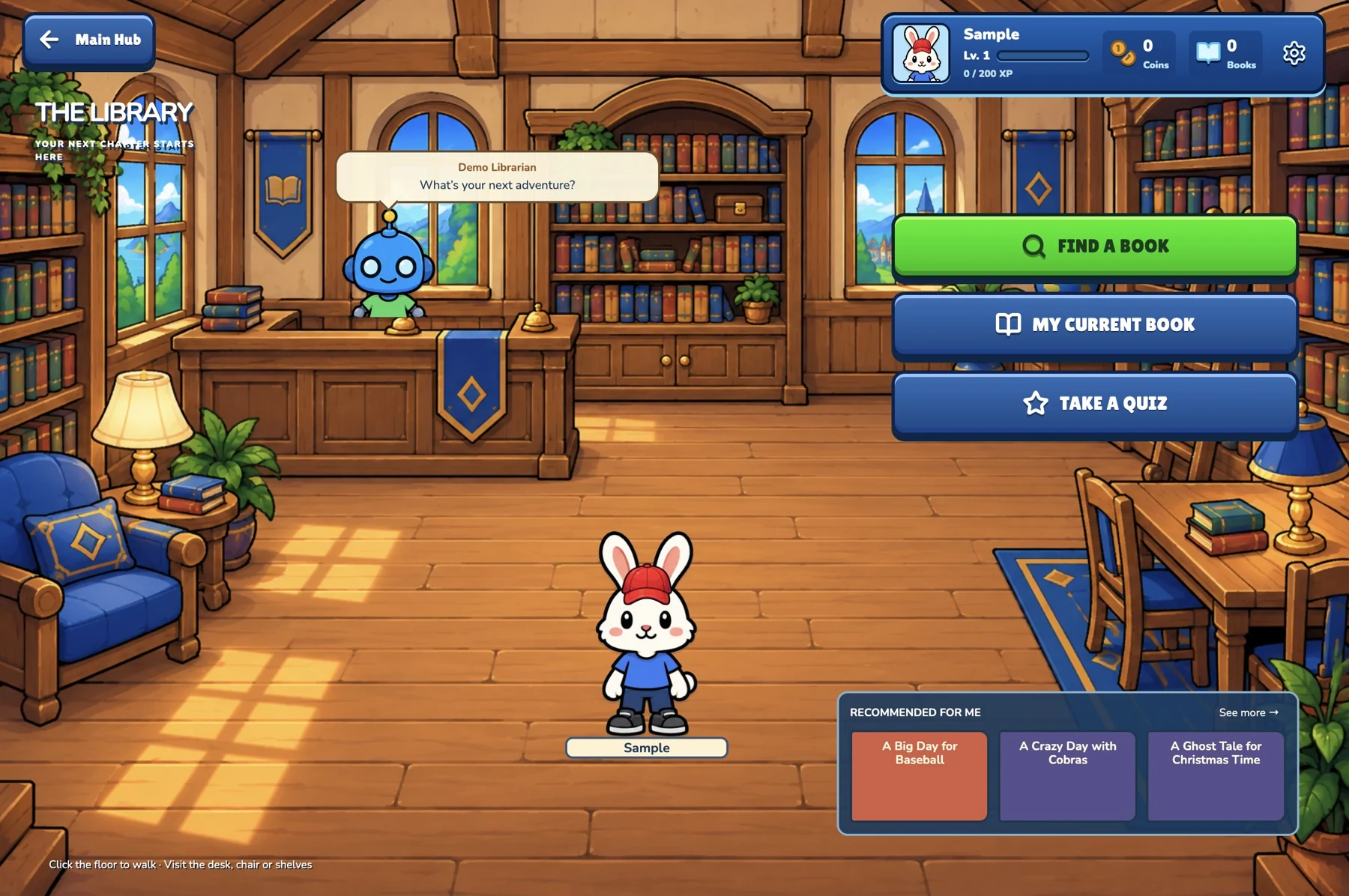
Start in the library
Start in the libraryA home for the next reading adventure.
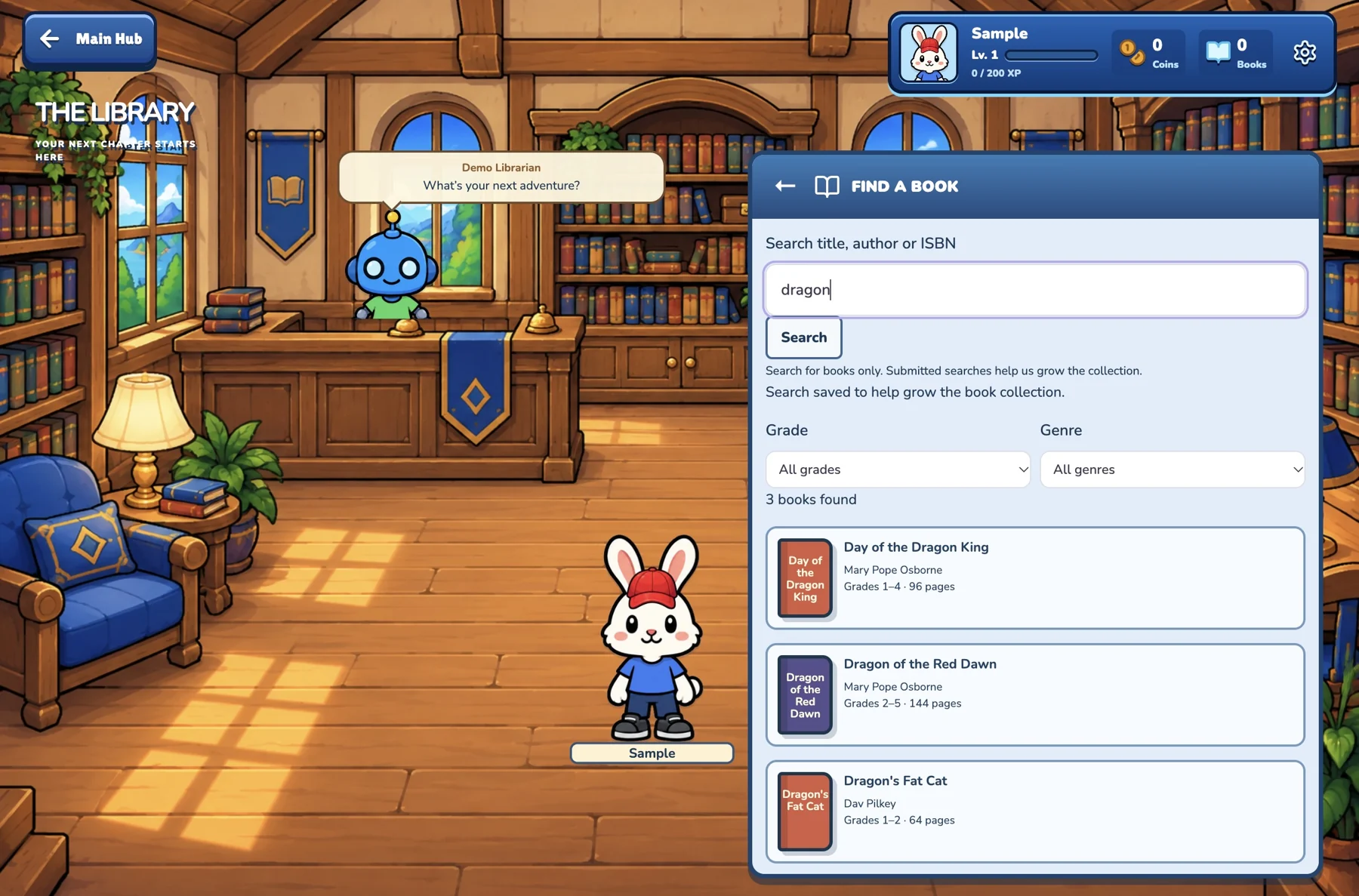
Search for a book
Search for a bookFind a title using search and grade or genre filters.
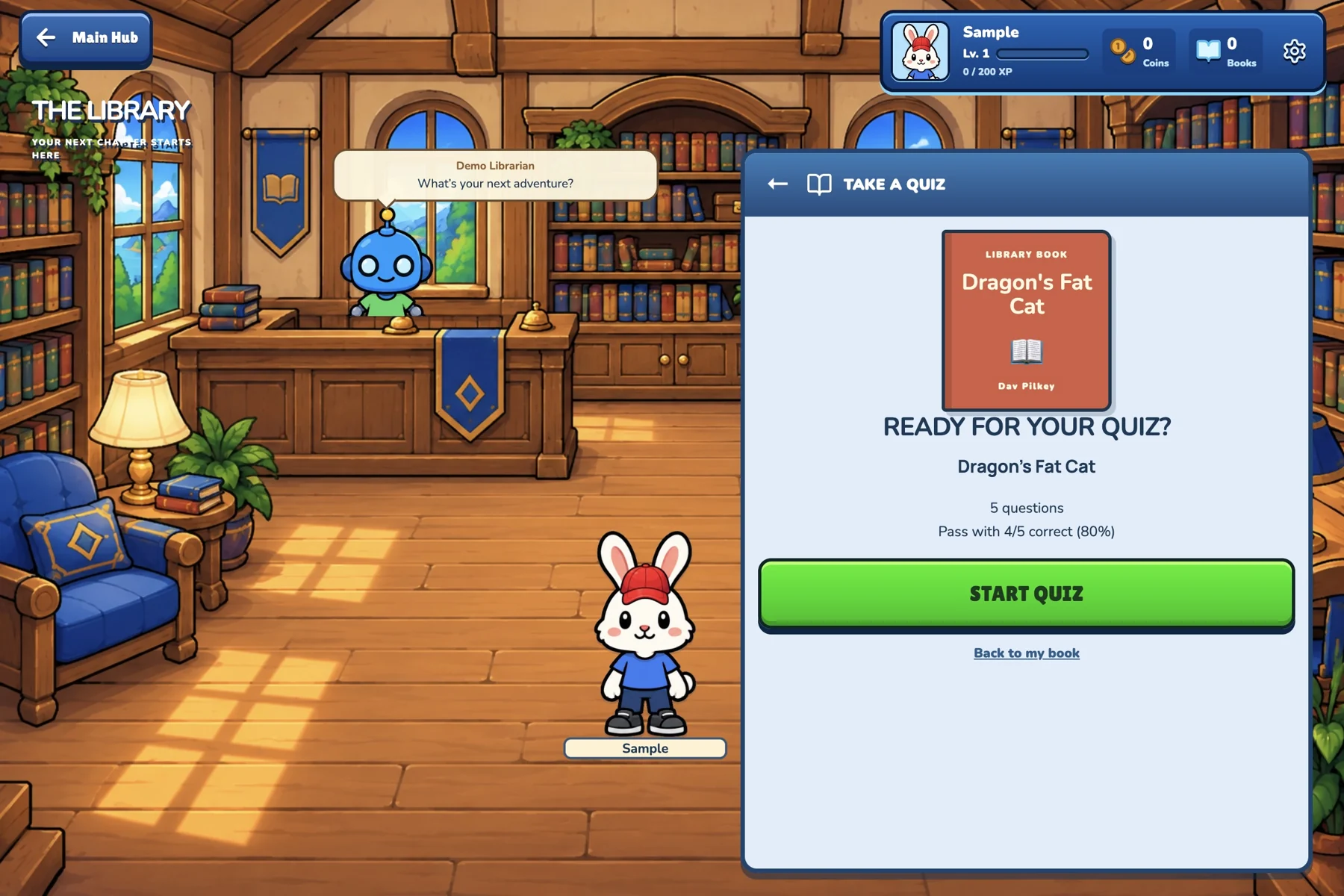
Ready for the quiz
Ready for the quizSee the selected book before starting the questions.
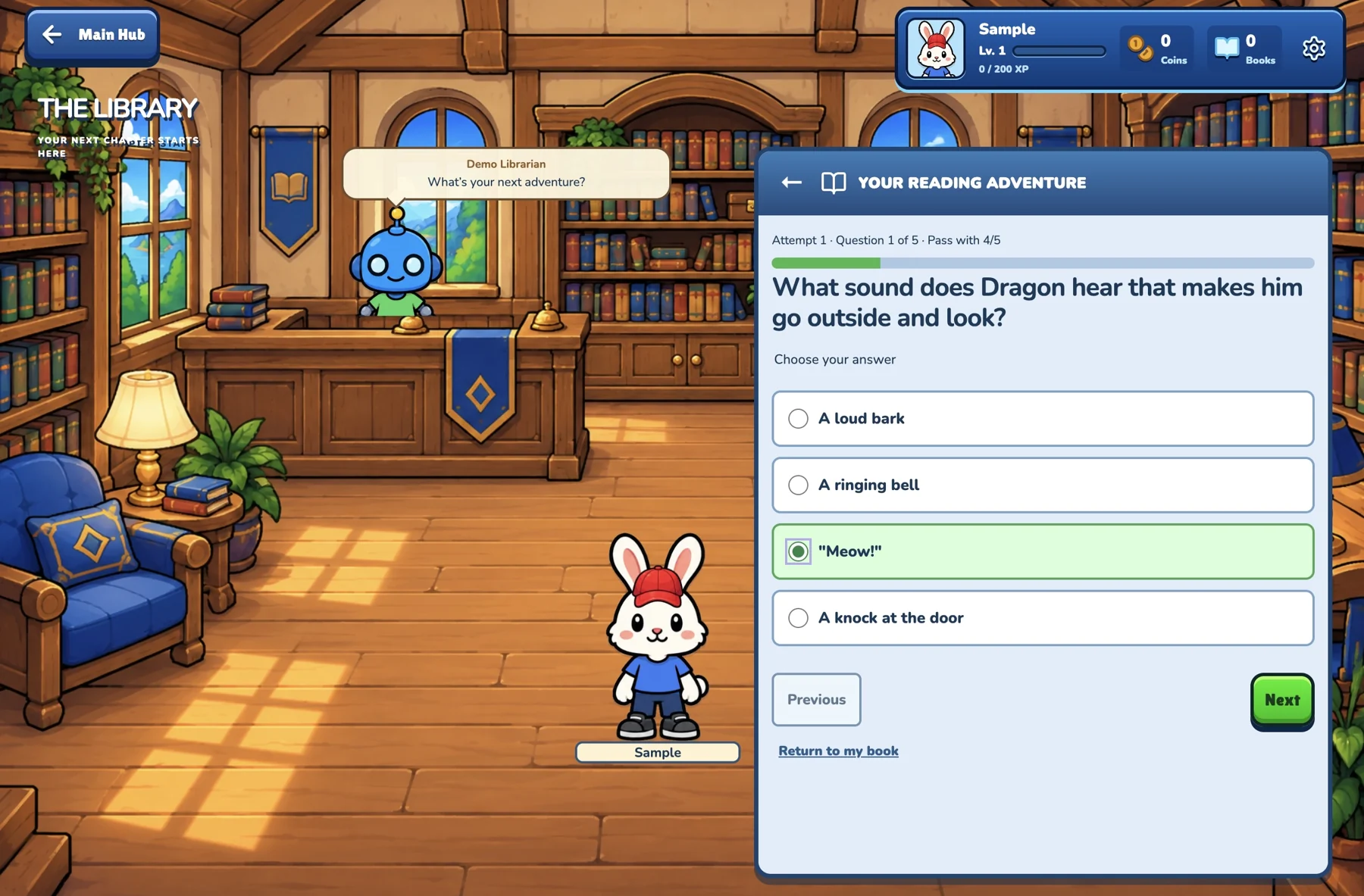
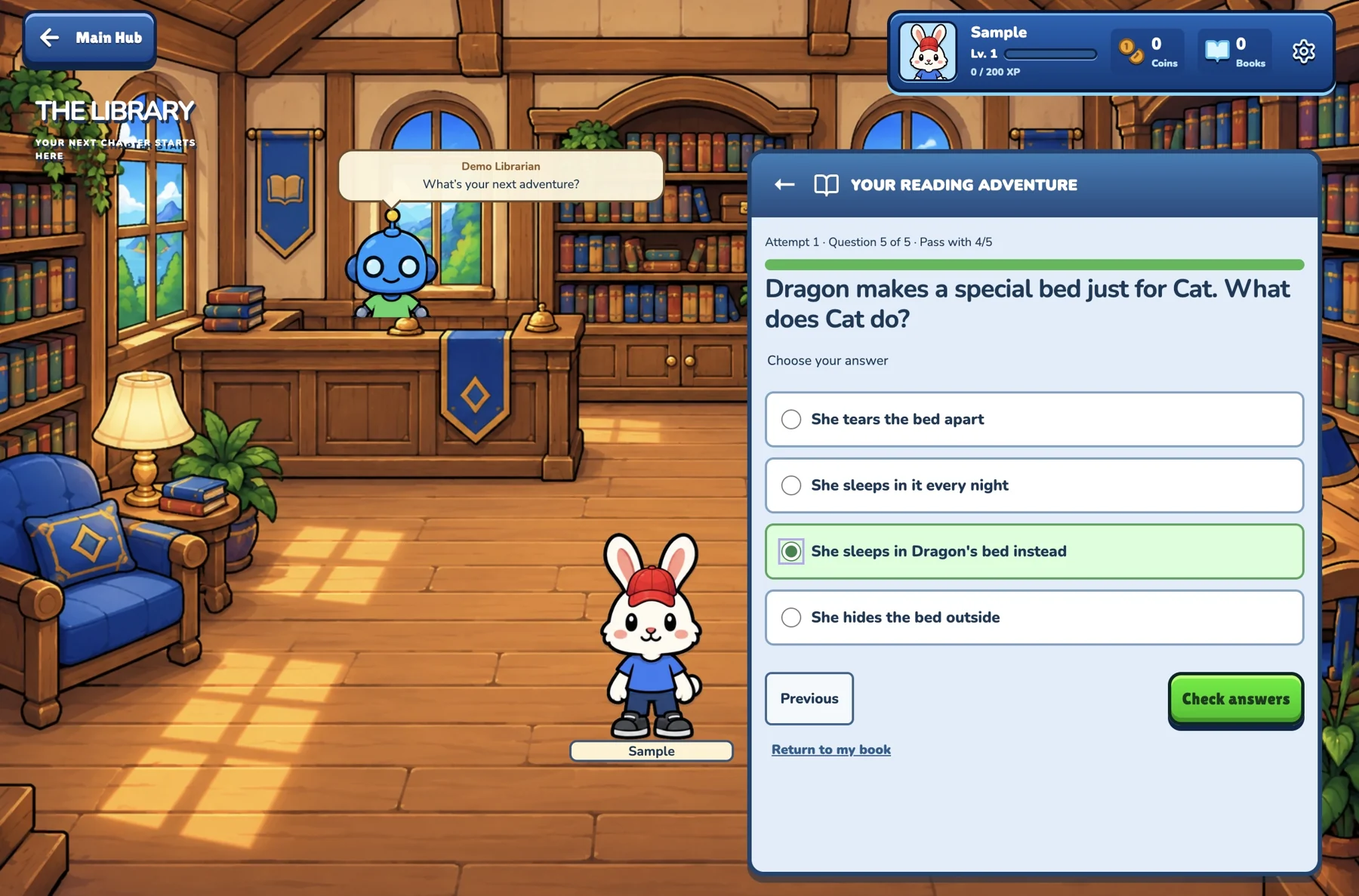
Choose an answer
Choose an answerA question with an answer selected.
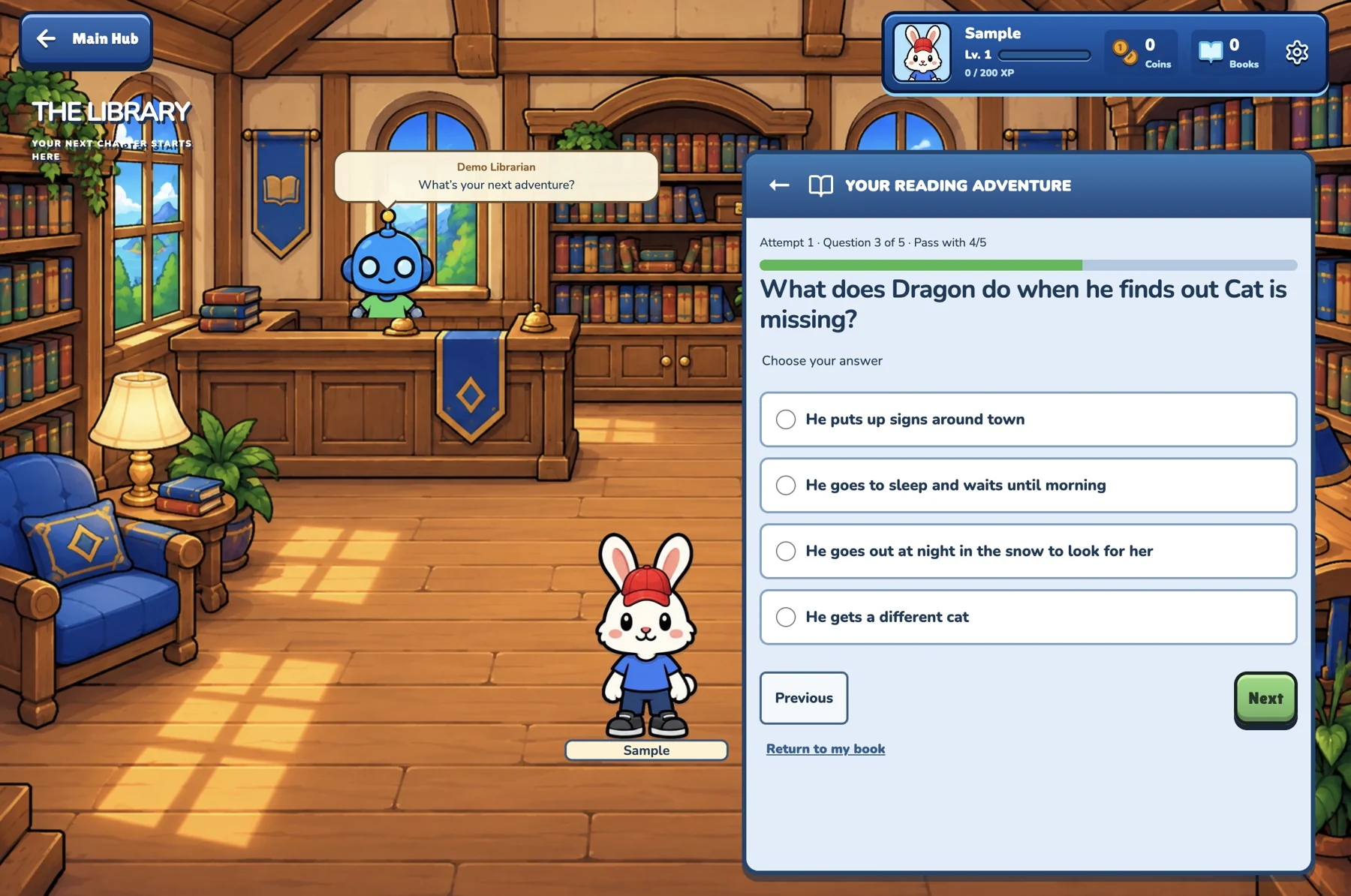
Read the next question
Read the next questionThe next question is waiting for an answer.
Finish the quiz
Finish the quizReview the final question and check the answers.
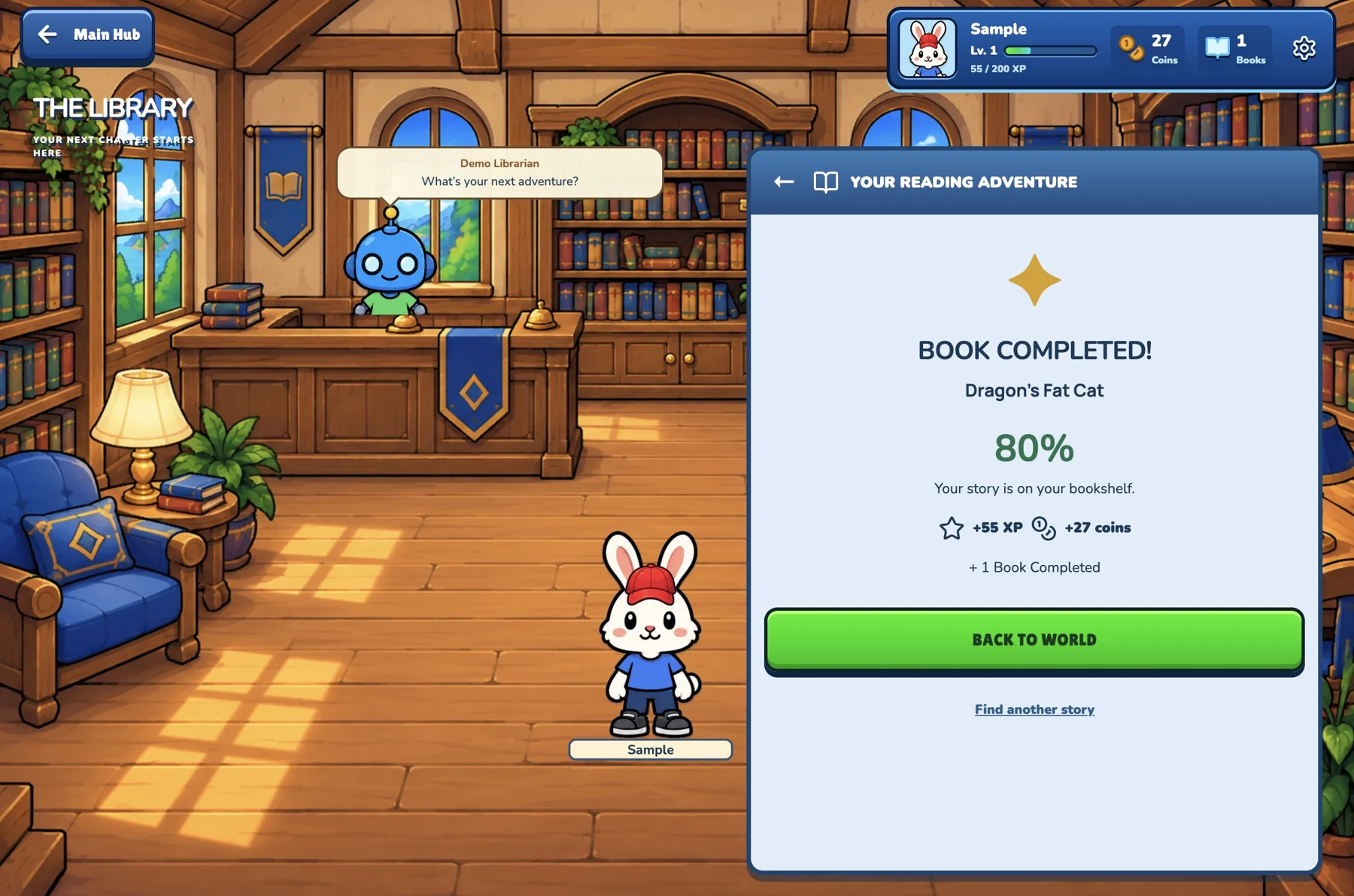
Book completed: 80%
Book completed: 80%One example of a completed quiz and its rewards.
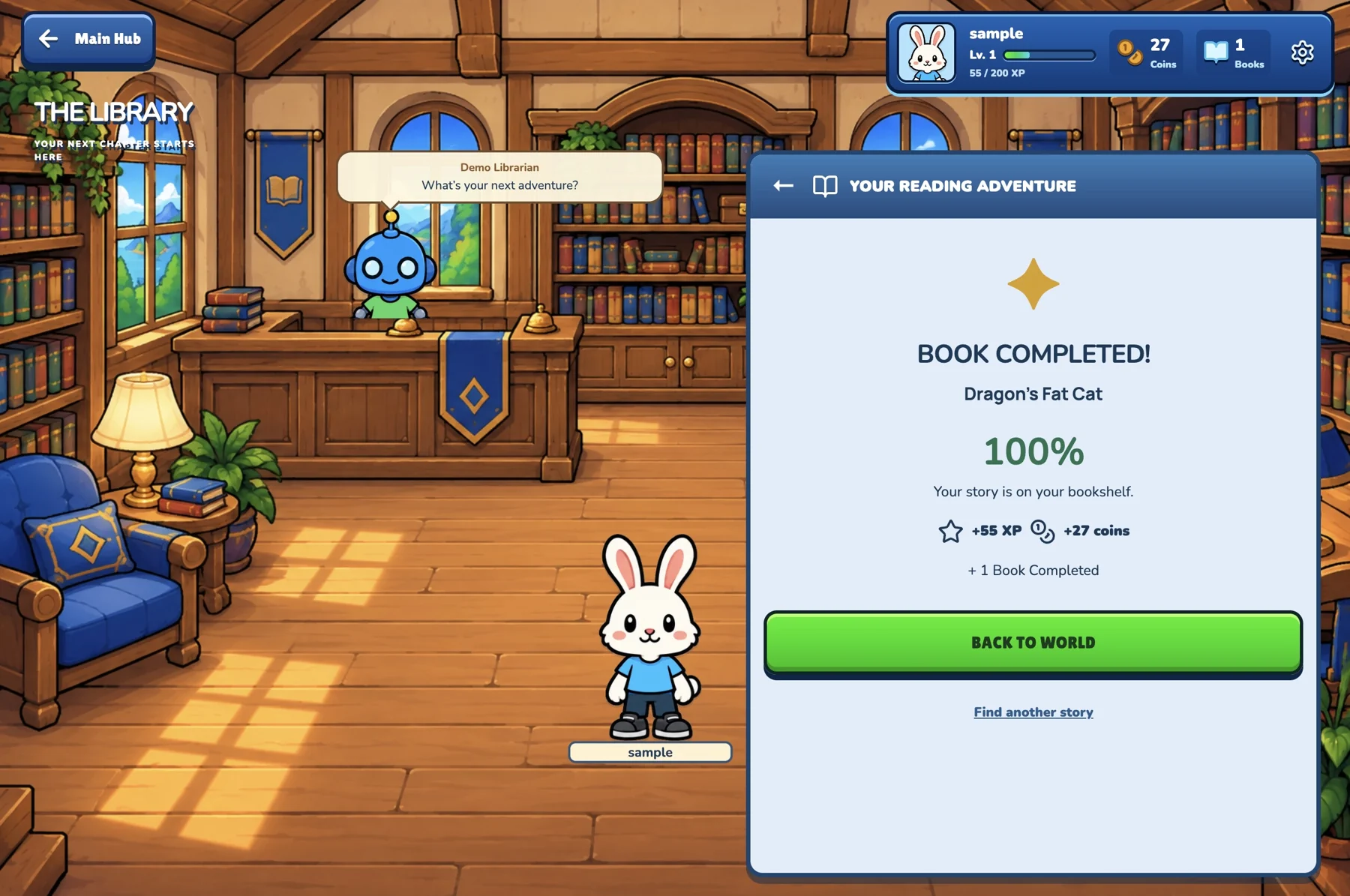
Book completed: 100%
Book completed: 100%Another completion example, with a perfect score.
Character creation

An adventure with their own character

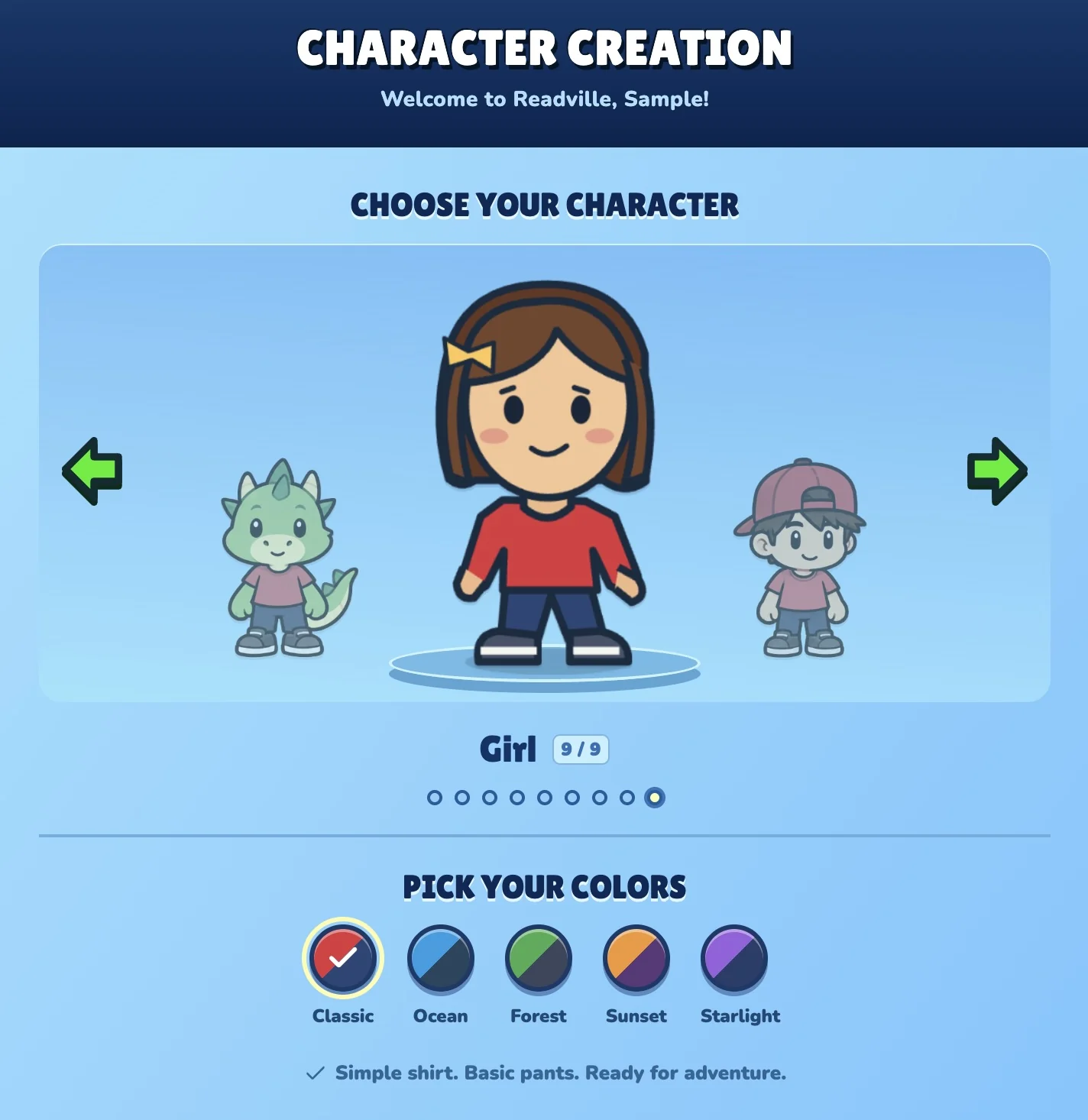
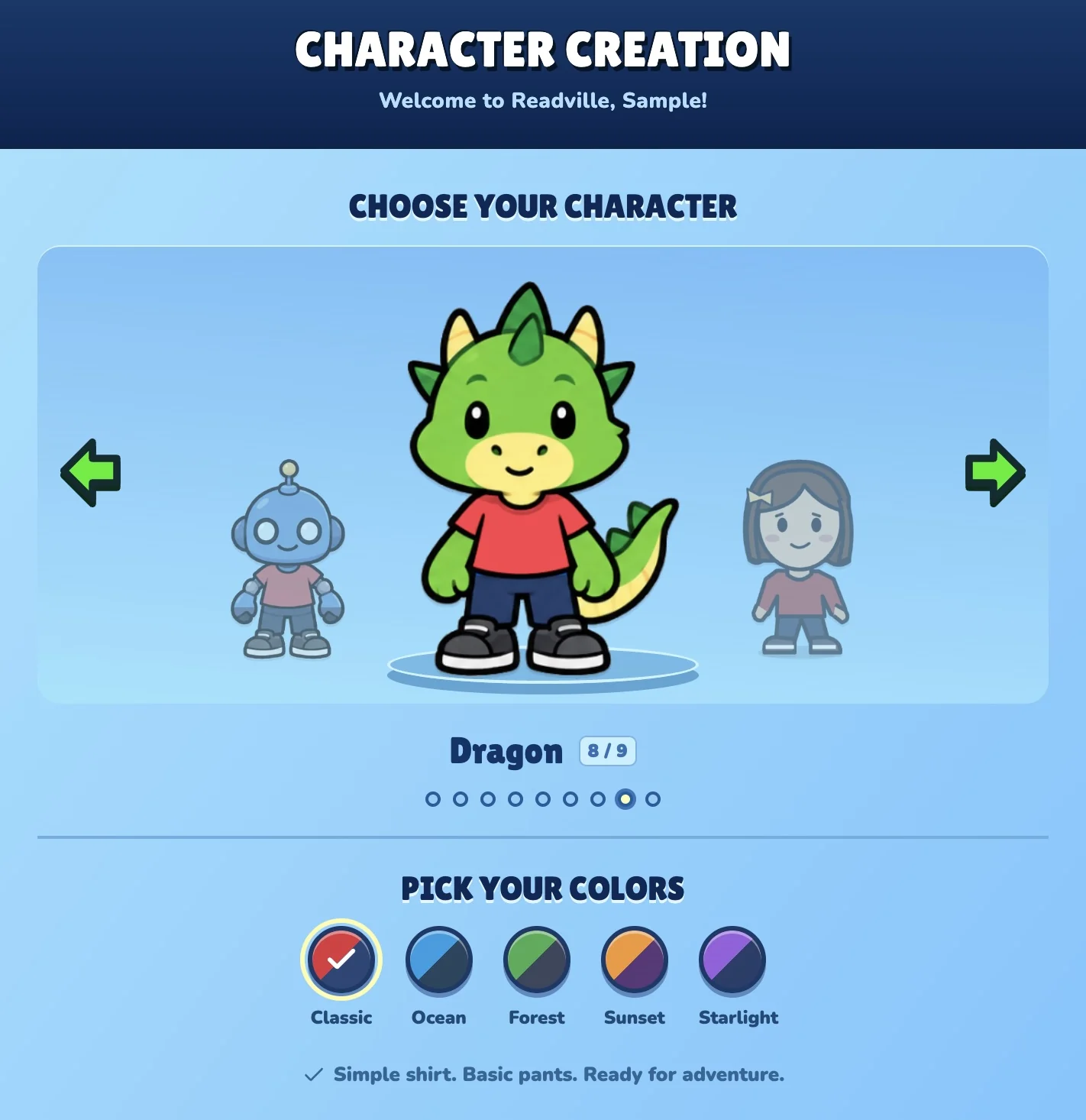
Robots, dragons, humans and animals give readers different starting looks. Color palettes make each choice feel more personal.
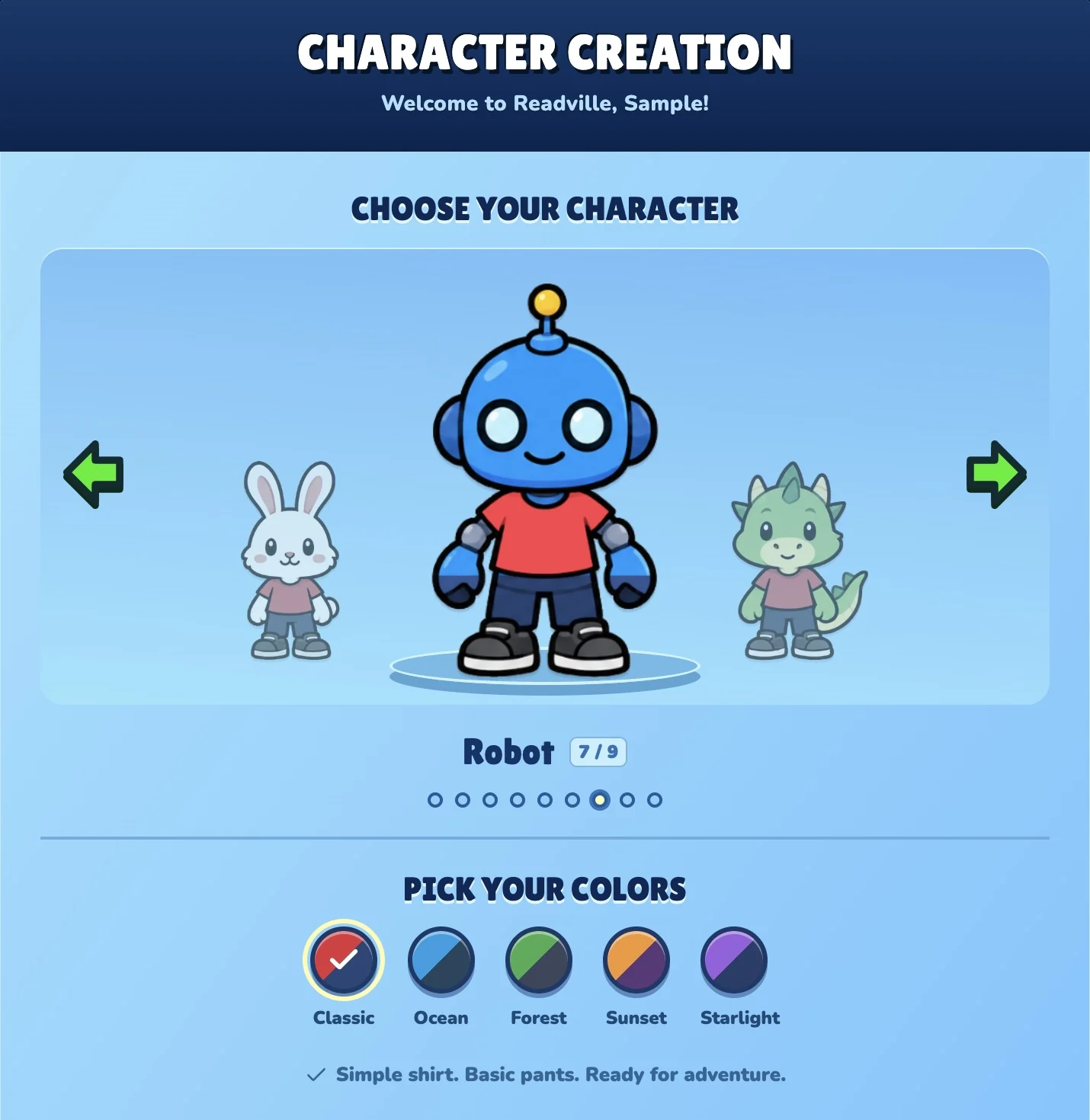
Choose a robot
Choose a robotBrowse different characters when creating a reader’s avatar.
Try a dragon
Try a dragonA different character, ready for the same reading adventure.
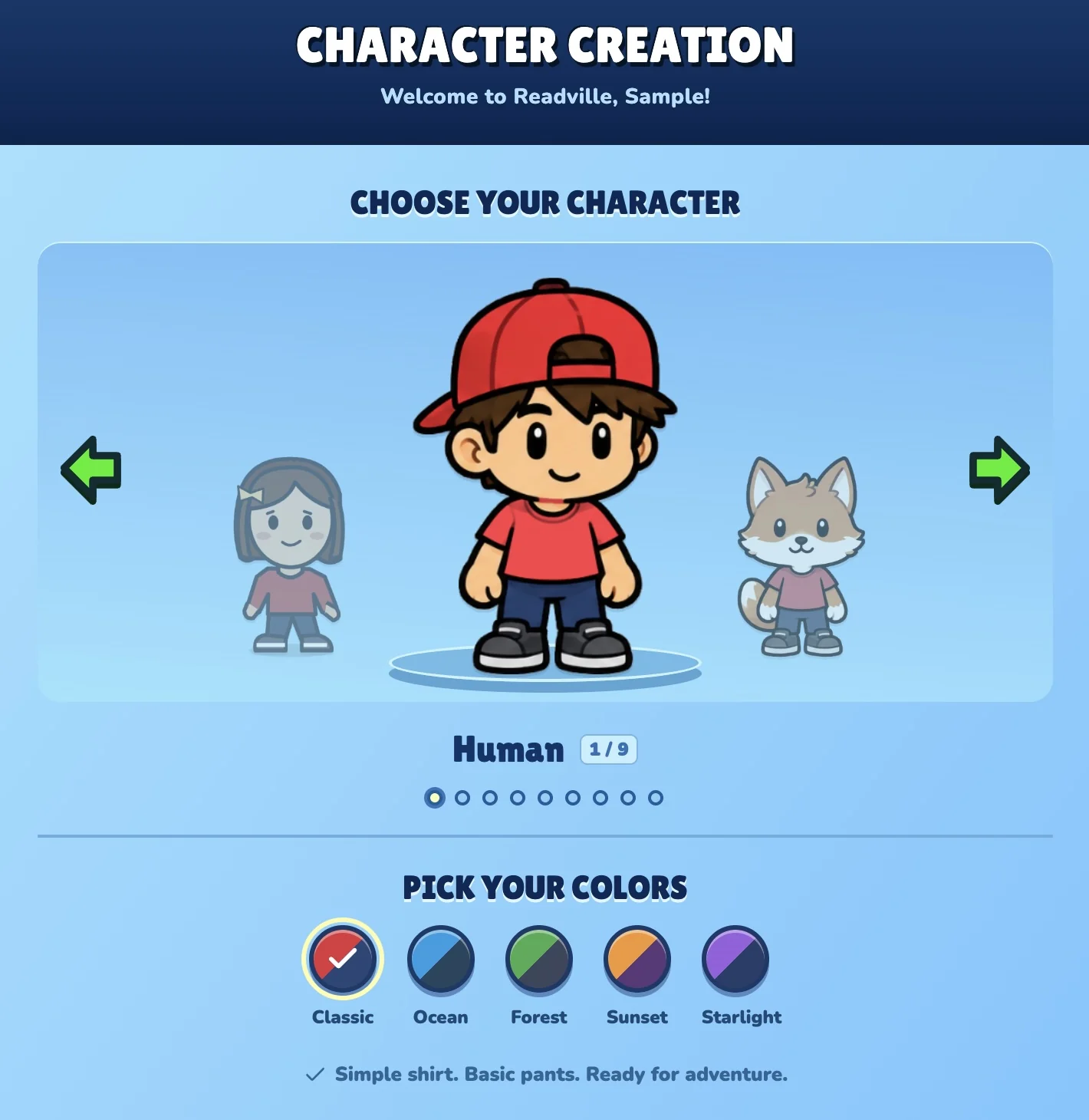
Choose a human character
Choose a human characterExplore another look in the character selection screen.
A cap and a new character
A cap and a new characterMore choices in the character lineup.
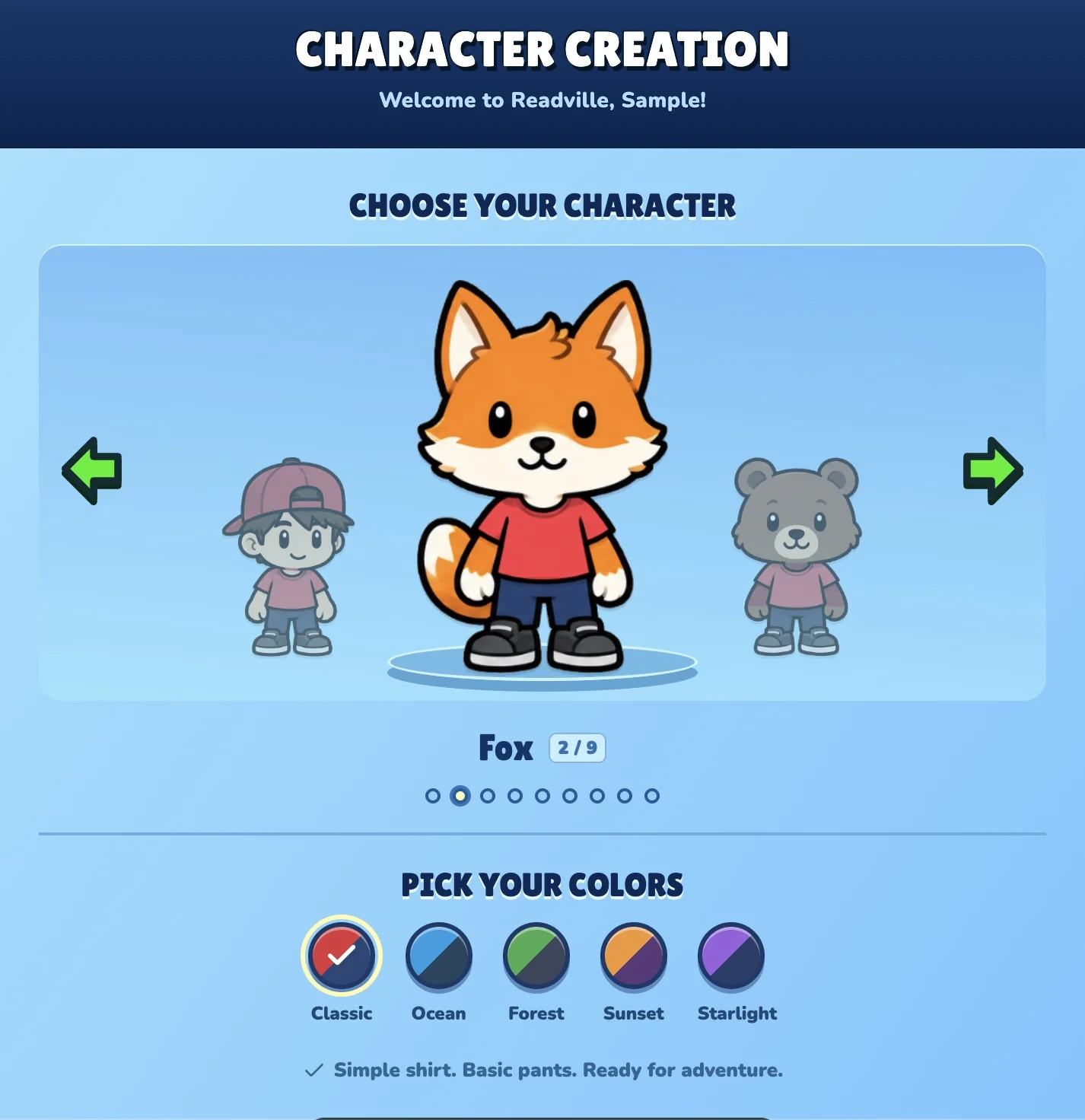
Meet the fox
Meet the foxStart with the Classic color palette.
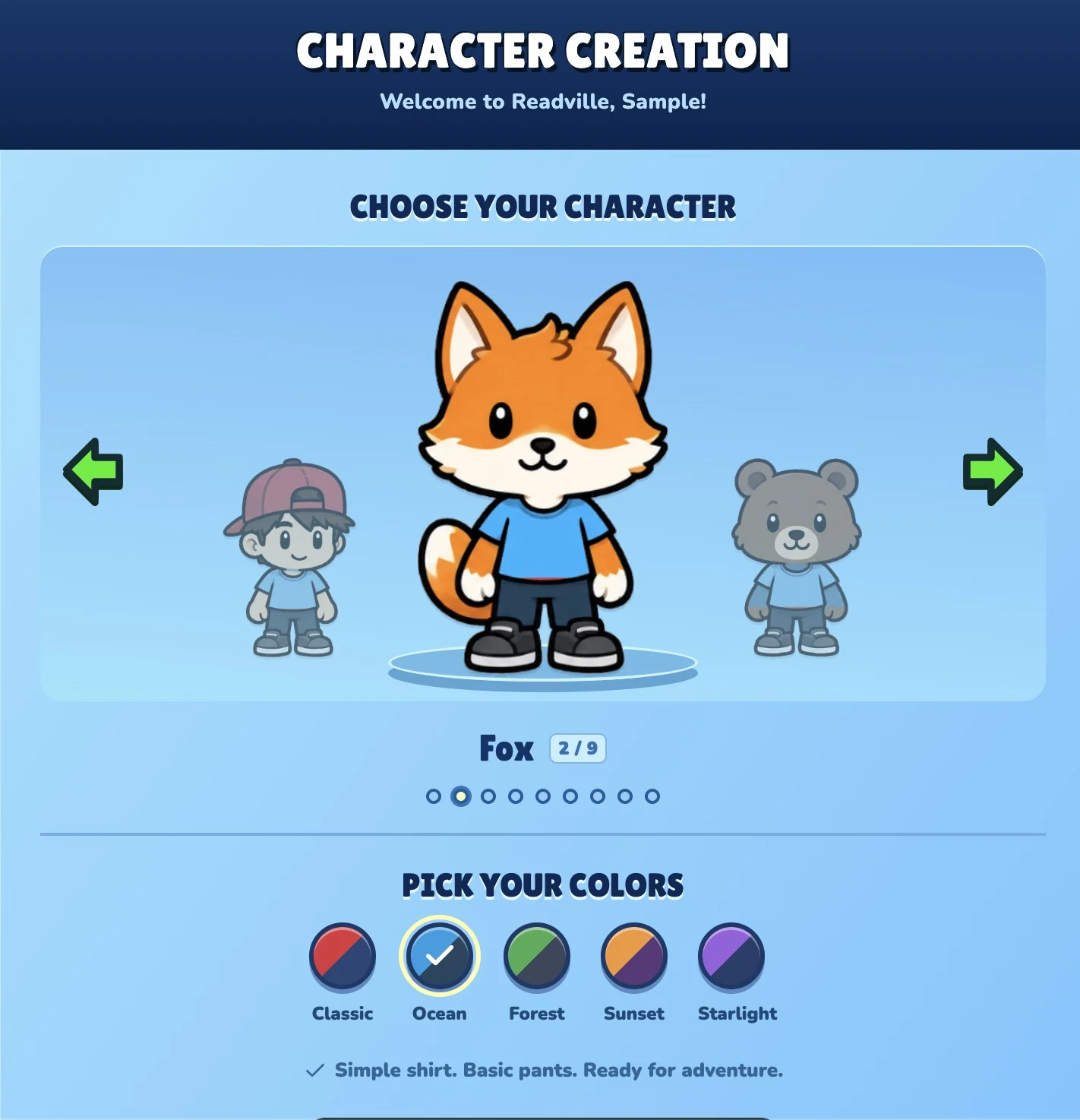
Try Ocean colors
Try Ocean colorsThe same fox with a different color choice.
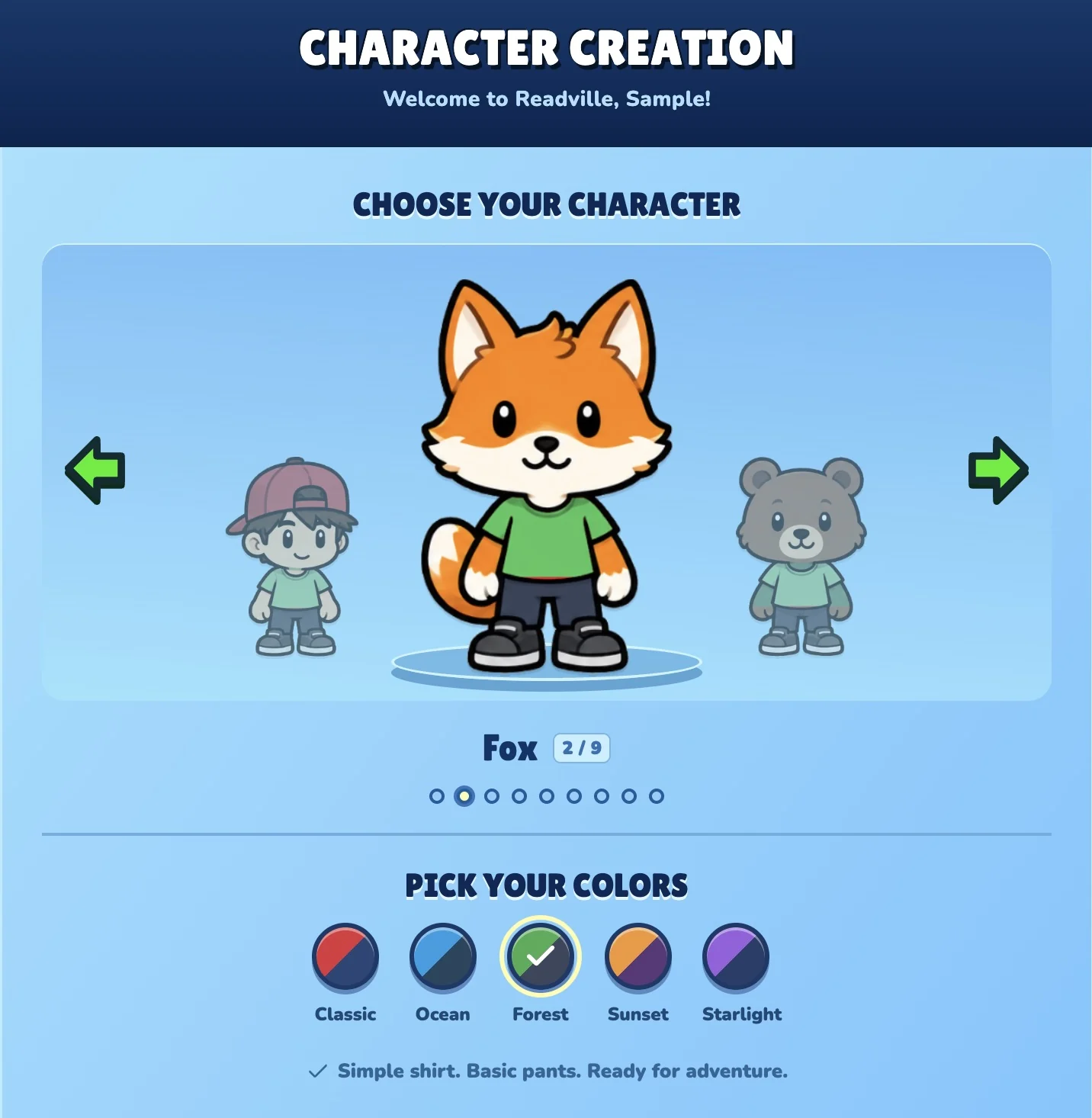
Try Forest colors
Try Forest colorsPersonalize the starting look with another palette.
The wardrobe at home

A new outfit, right from their room

Open the wardrobe in the house to equip owned items and change the character’s look.
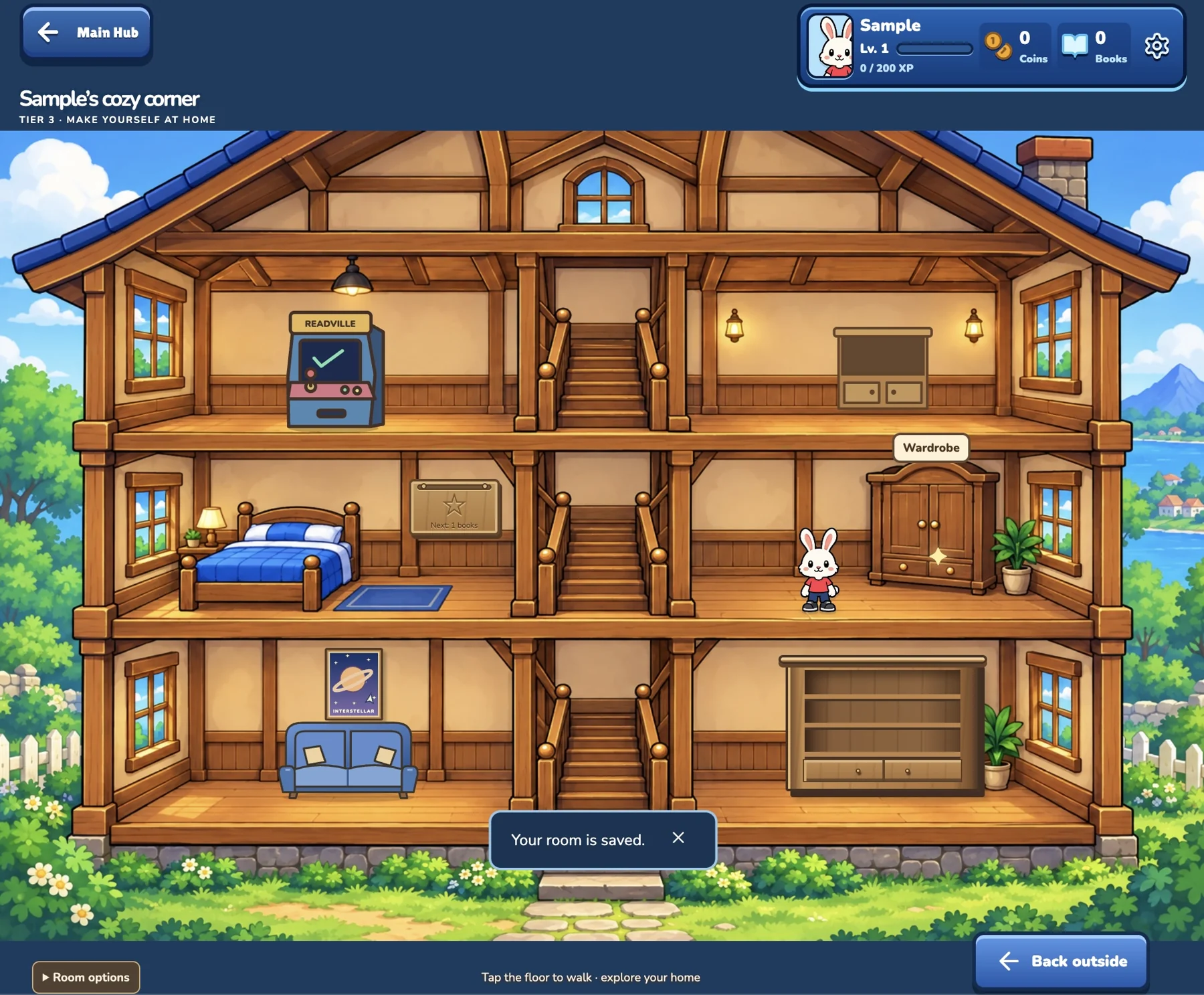
Open the wardrobe at home
Open the wardrobe at homeVisit the wardrobe inside the house to change an outfit.
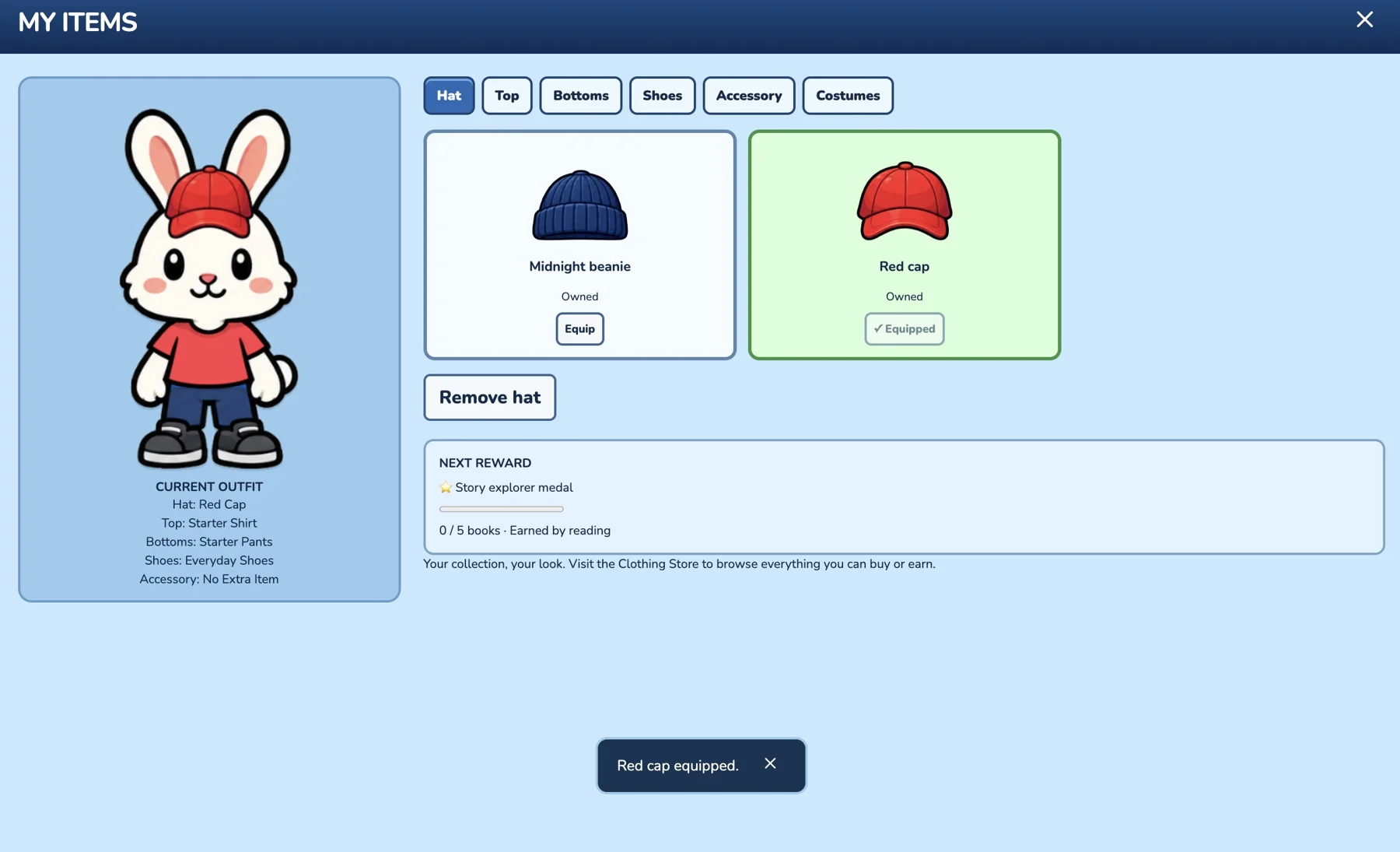
Choose an owned hat
Choose an owned hatEquip a hat from the character’s collection.
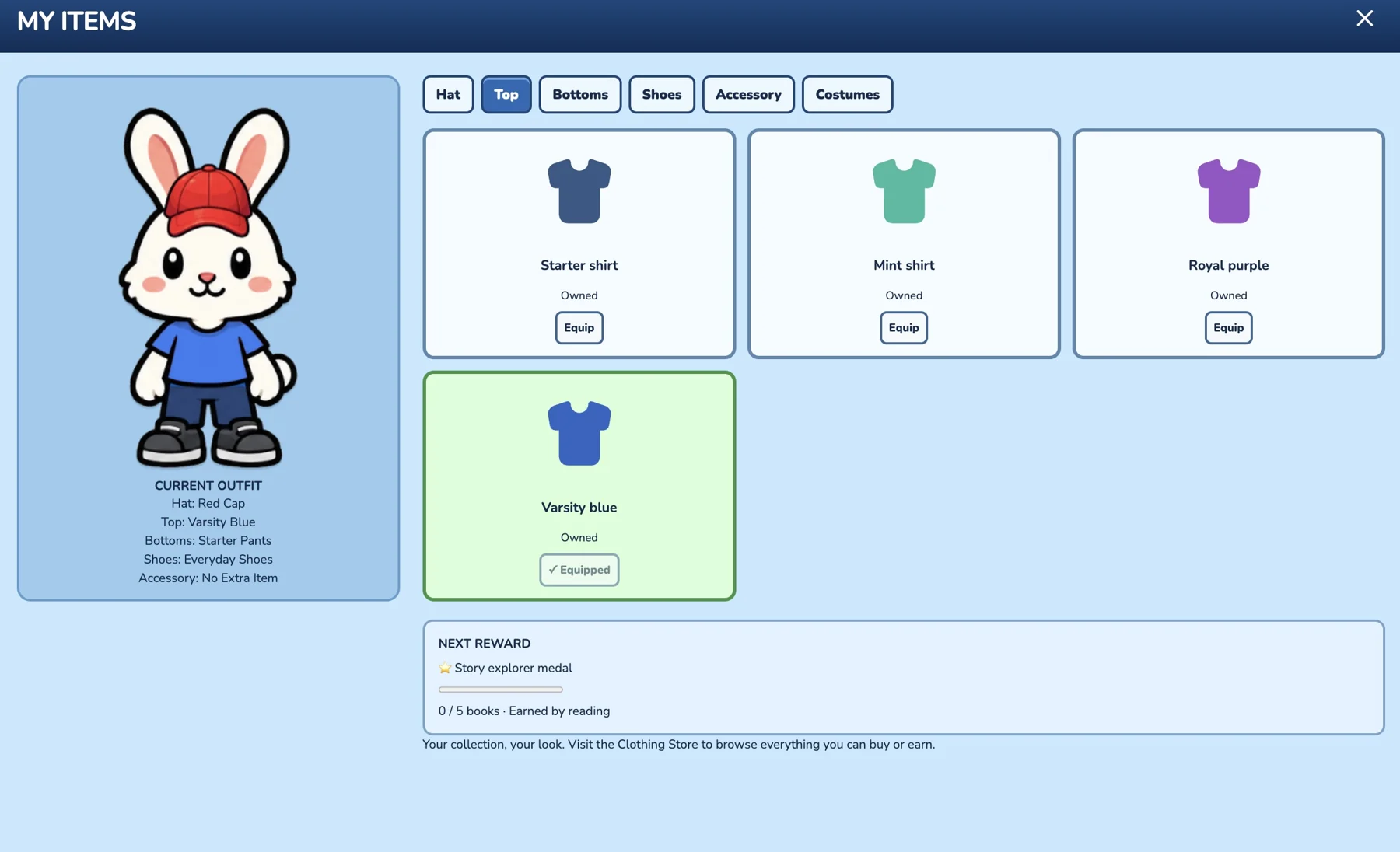
Change the top
Change the topCompare owned shirts and equip a different color.
The clothing store

Discover the next look to work toward

Visit the shop to browse hats, eyewear, accessories and reading-reward costumes.
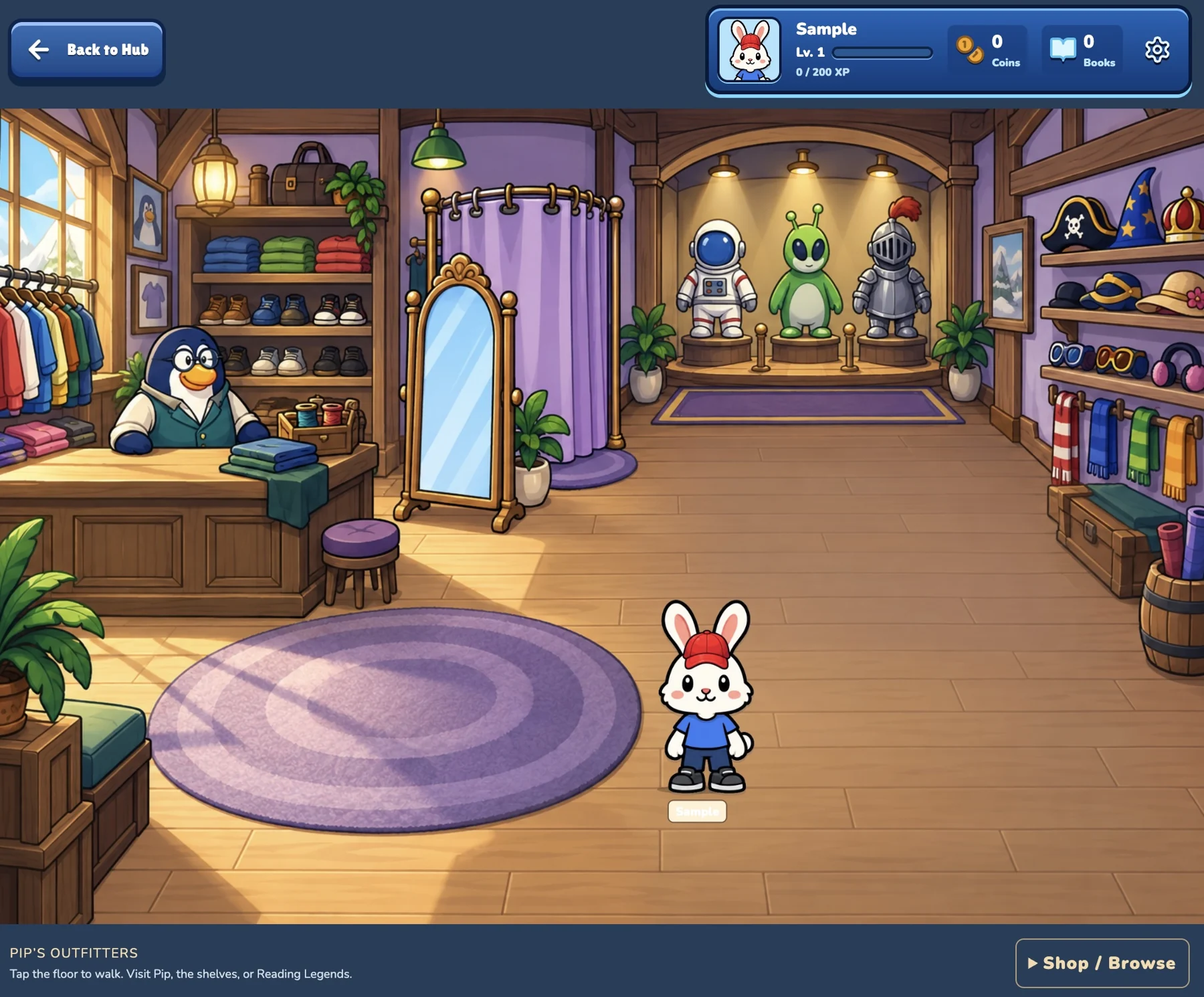
Visit the clothing store
Visit the clothing storeExplore Pip’s Outfitters and browse character rewards.
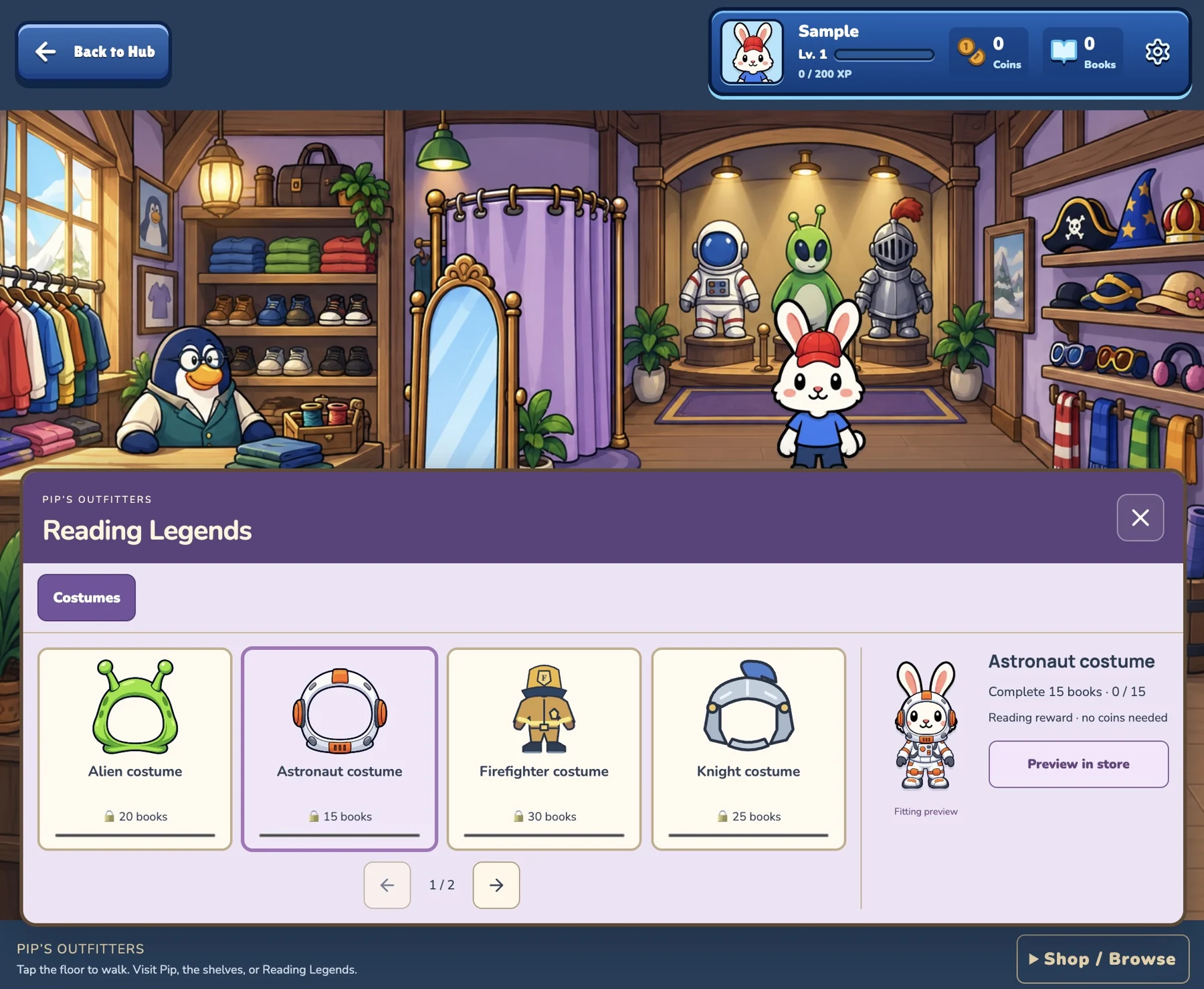
Preview an astronaut costume
Preview an astronaut costumeSee a reading reward on the character before it is unlocked.
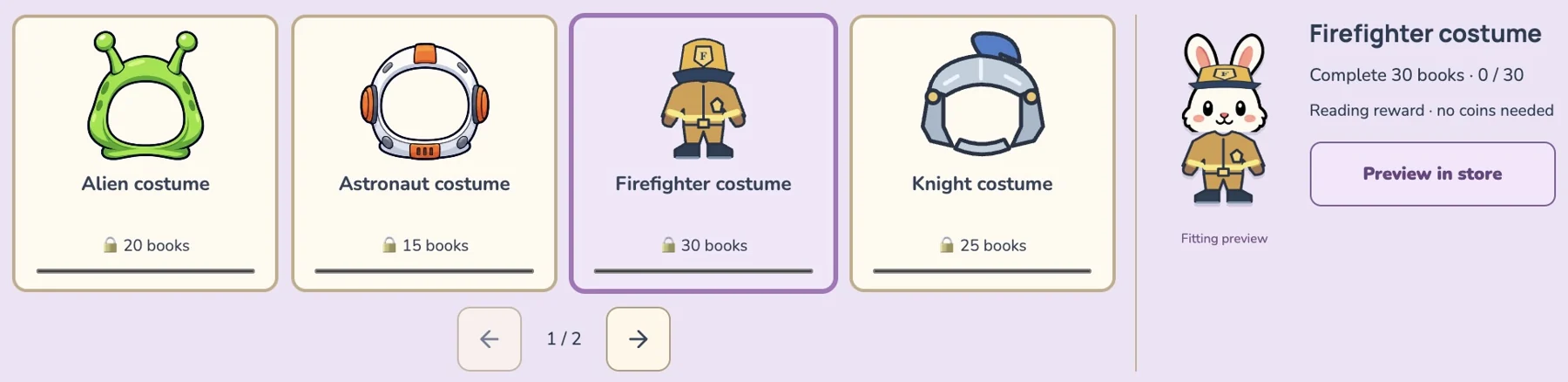
Explore other costumes
Explore other costumesA firefighter costume is another look to work toward.
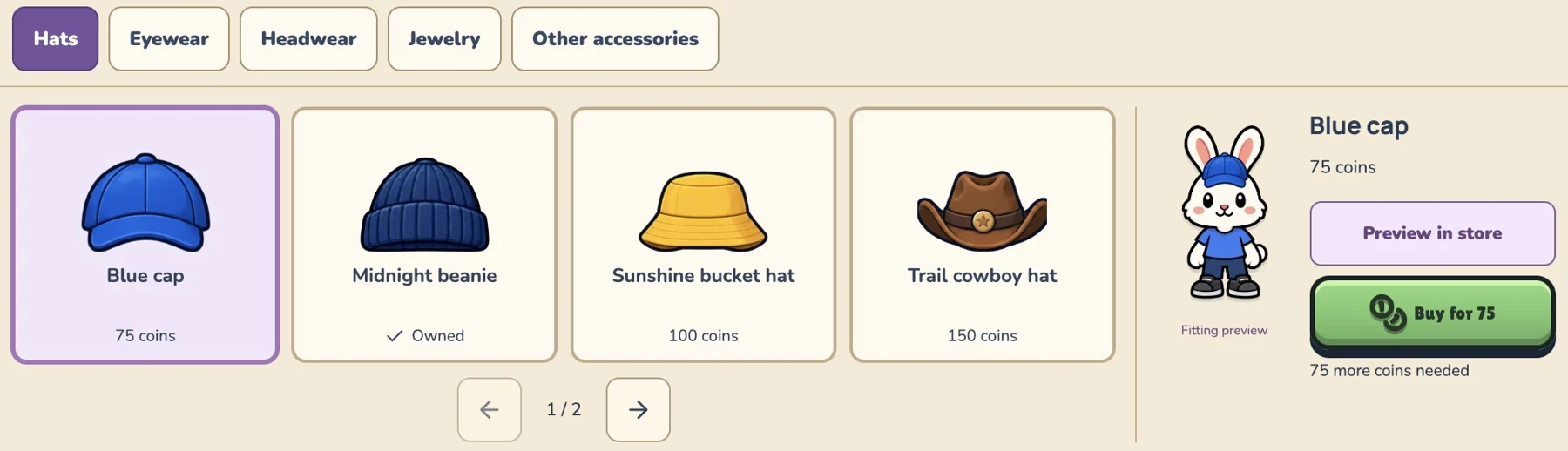
Browse hats
Browse hatsCompare hats and preview how they look.
Try eyewear
Try eyewearGlasses add another way to personalize the character.
Explore accessories
Explore accessoriesCrowns, bows, headbands and headphones offer more options.
Readville Match

Small boards to bigger challenges

Explore Easy, Medium and Hard, with two, three and eight pairs to match.
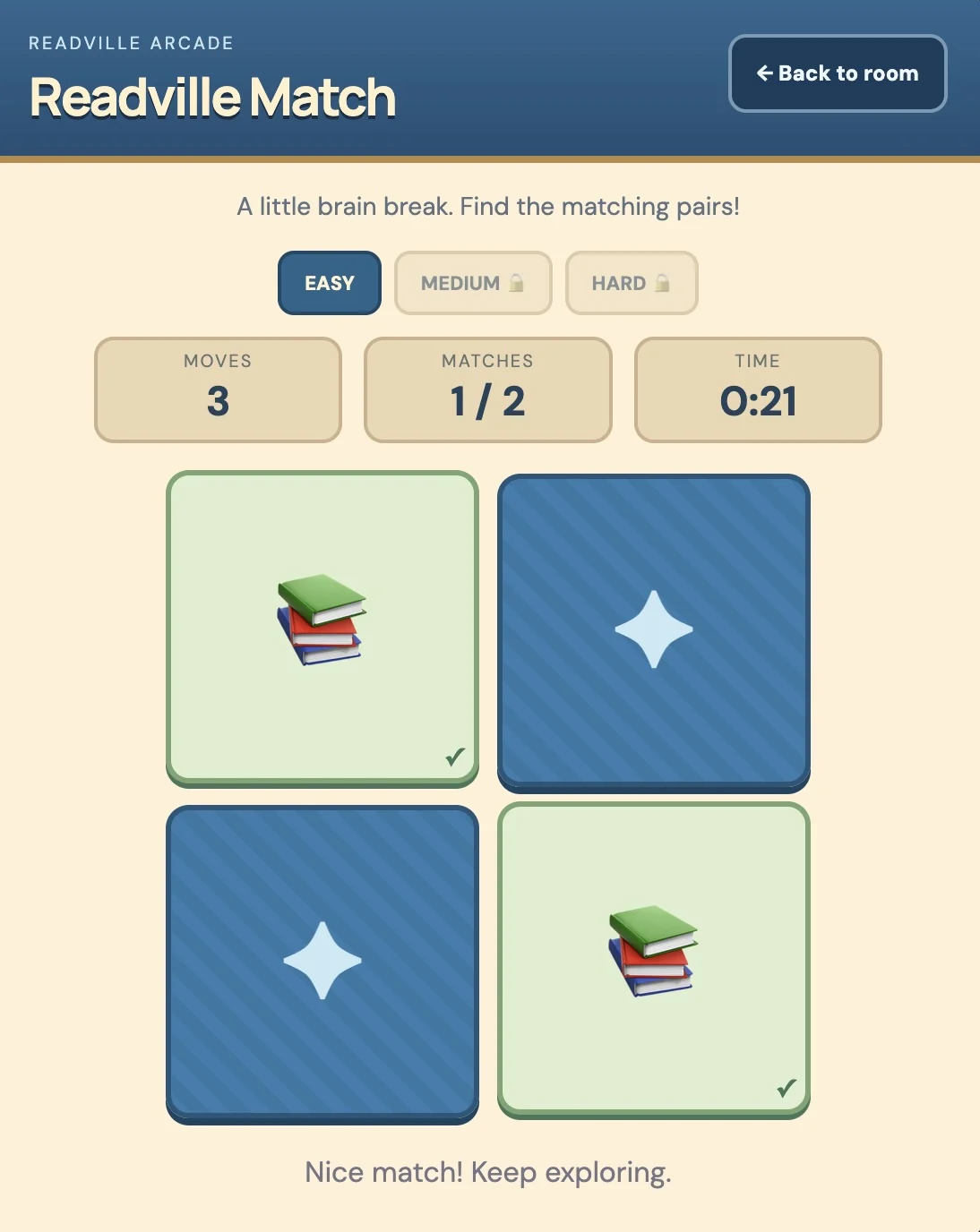
Easy: two pairs
Easy: two pairsA small board introduces the matching activity.
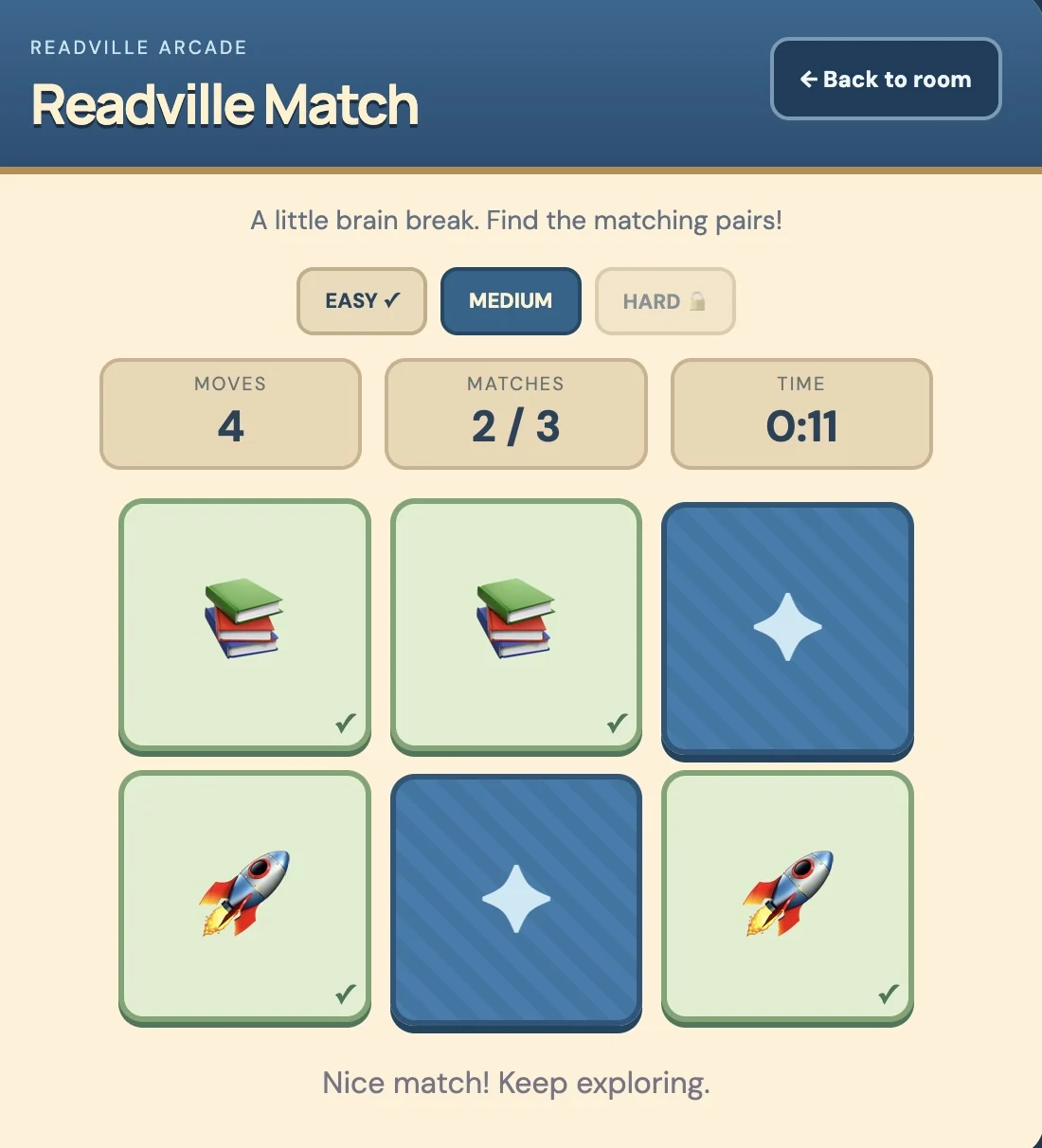
Medium: three pairs
Medium: three pairsA larger board adds another pair to find.
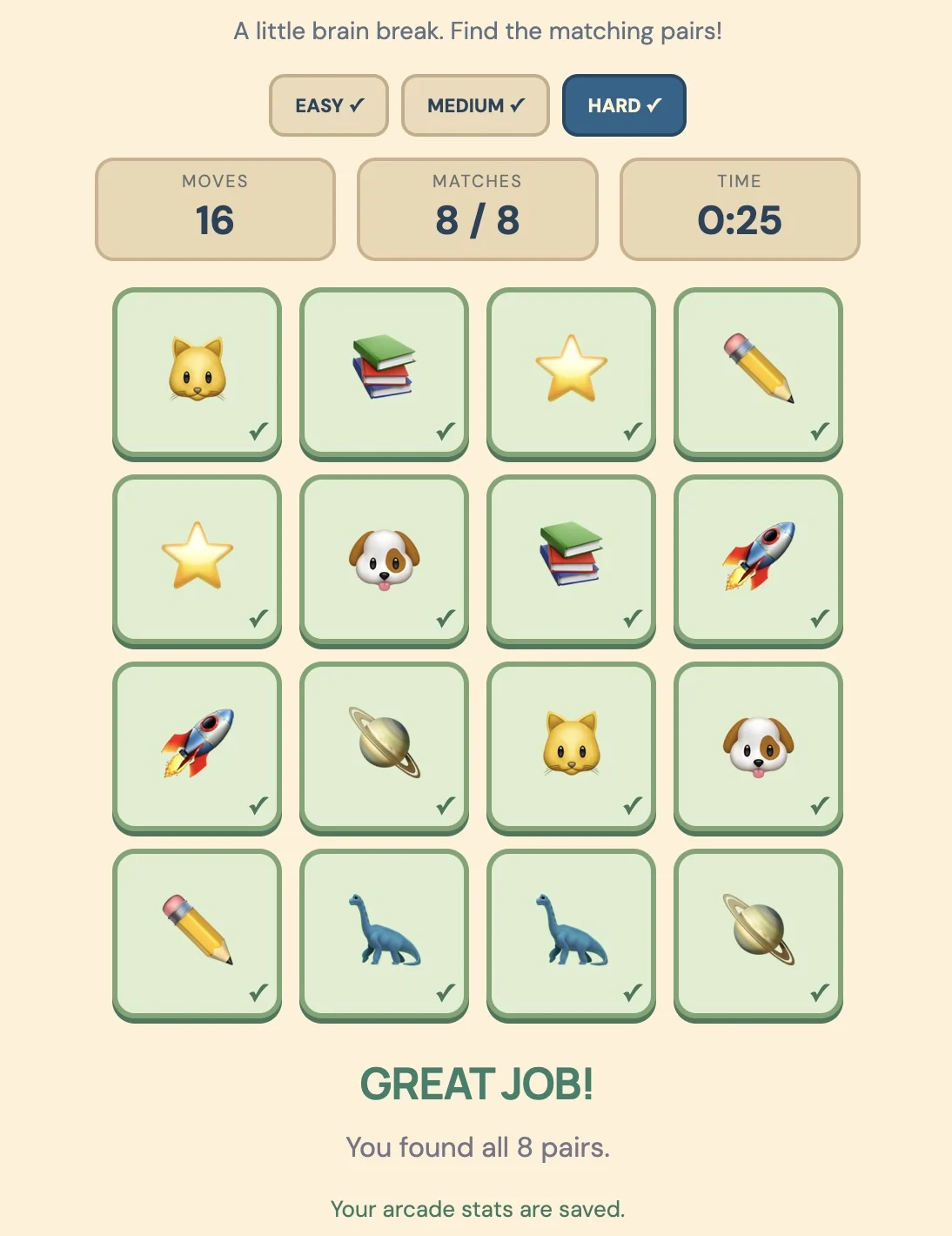
Hard: eight pairs
Hard: eight pairsThe completed Hard board shows all eight matches.
A home of their own

Room for a growing world

Preview home tiers, exterior colors and a hobby corner inside the house.
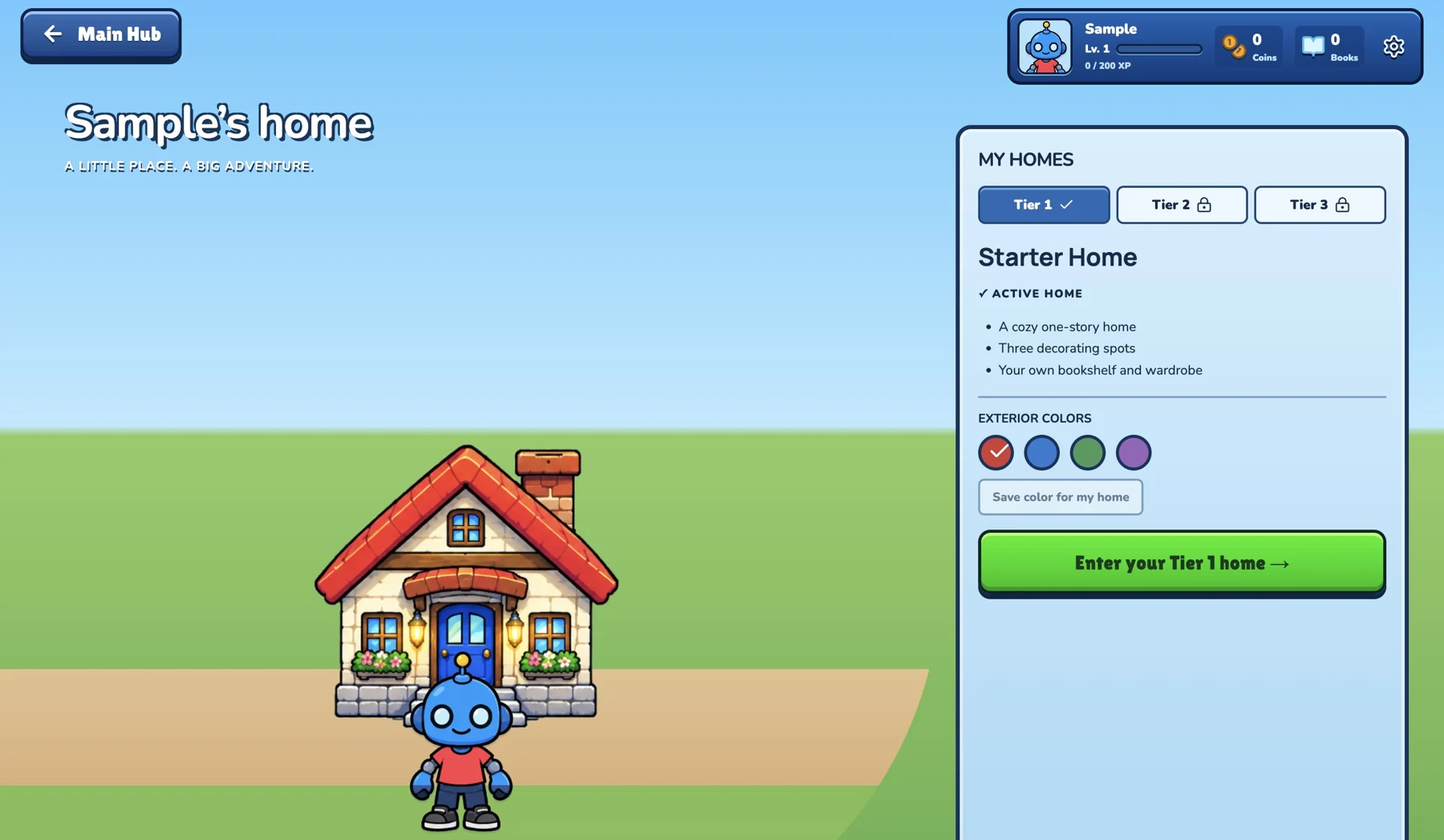
The starter home
The starter homeBegin with a small home and choose its exterior color.
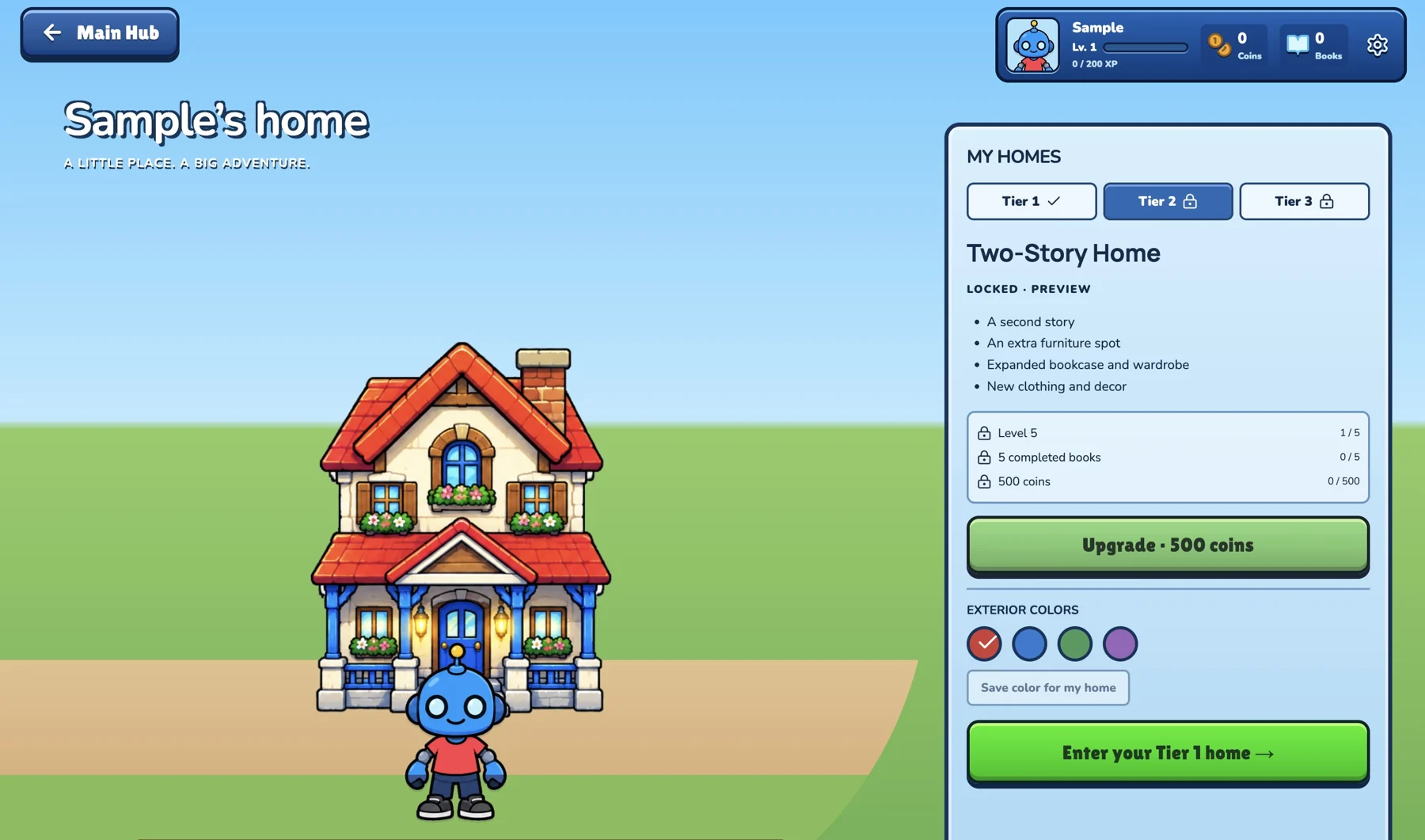
A two-story home
A two-story homePreview the next home tier and its unlock requirements.
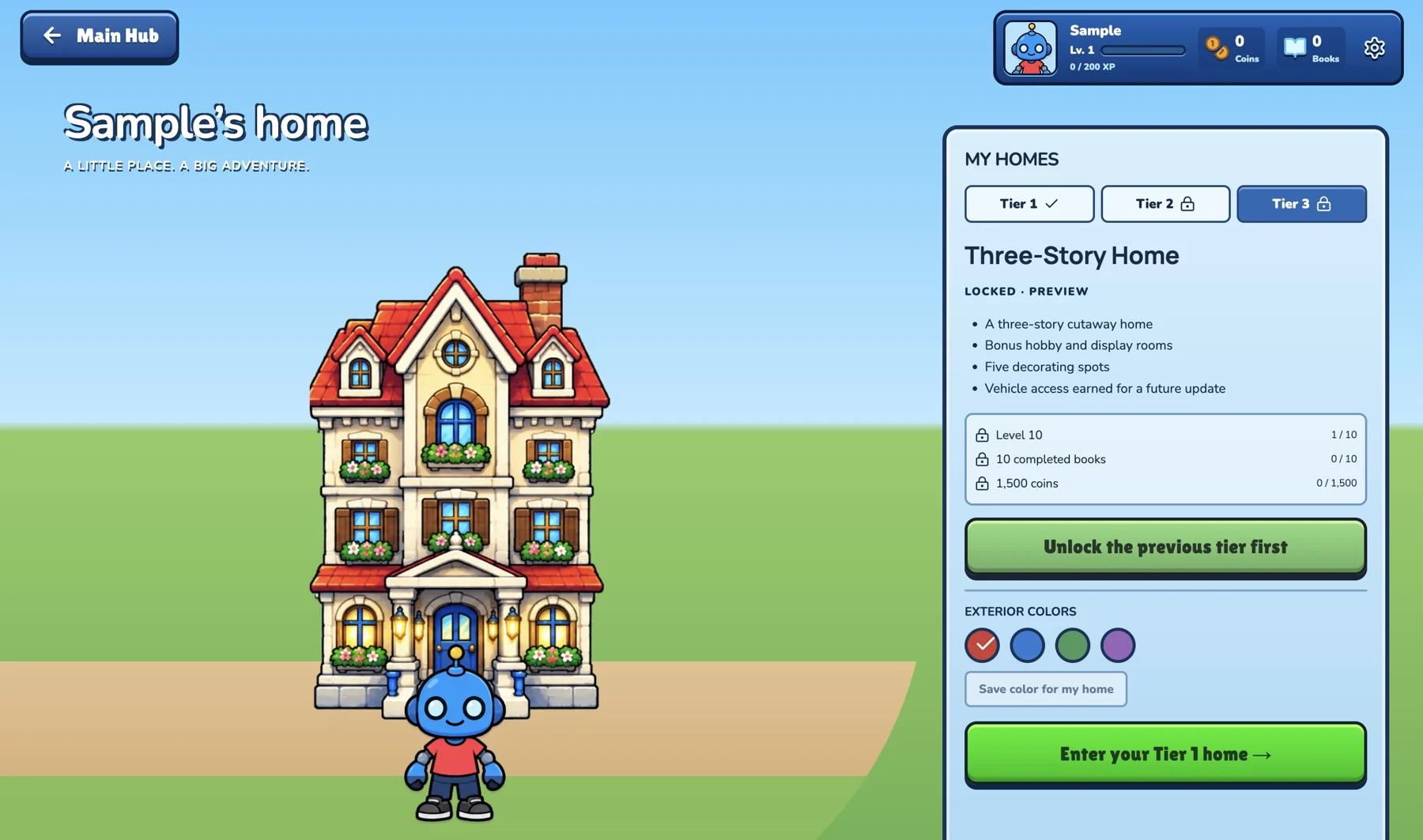
A three-story home
A three-story homeSee another home to work toward.
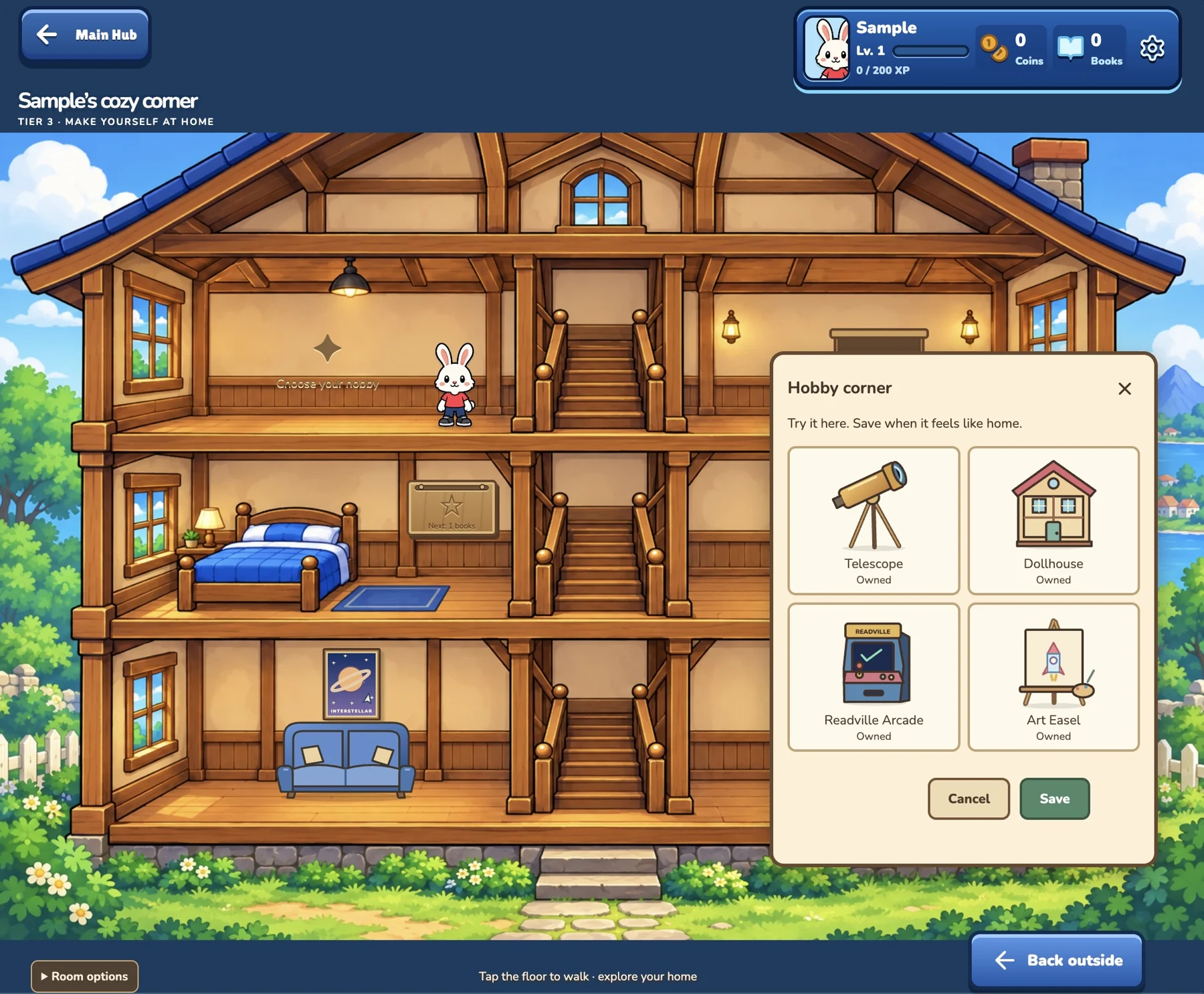
Choose a hobby corner
Choose a hobby cornerExplore optional activities from a room inside the house.
Word Road

Take a question for a drive

Read, choose an answer lane and complete a short activity.
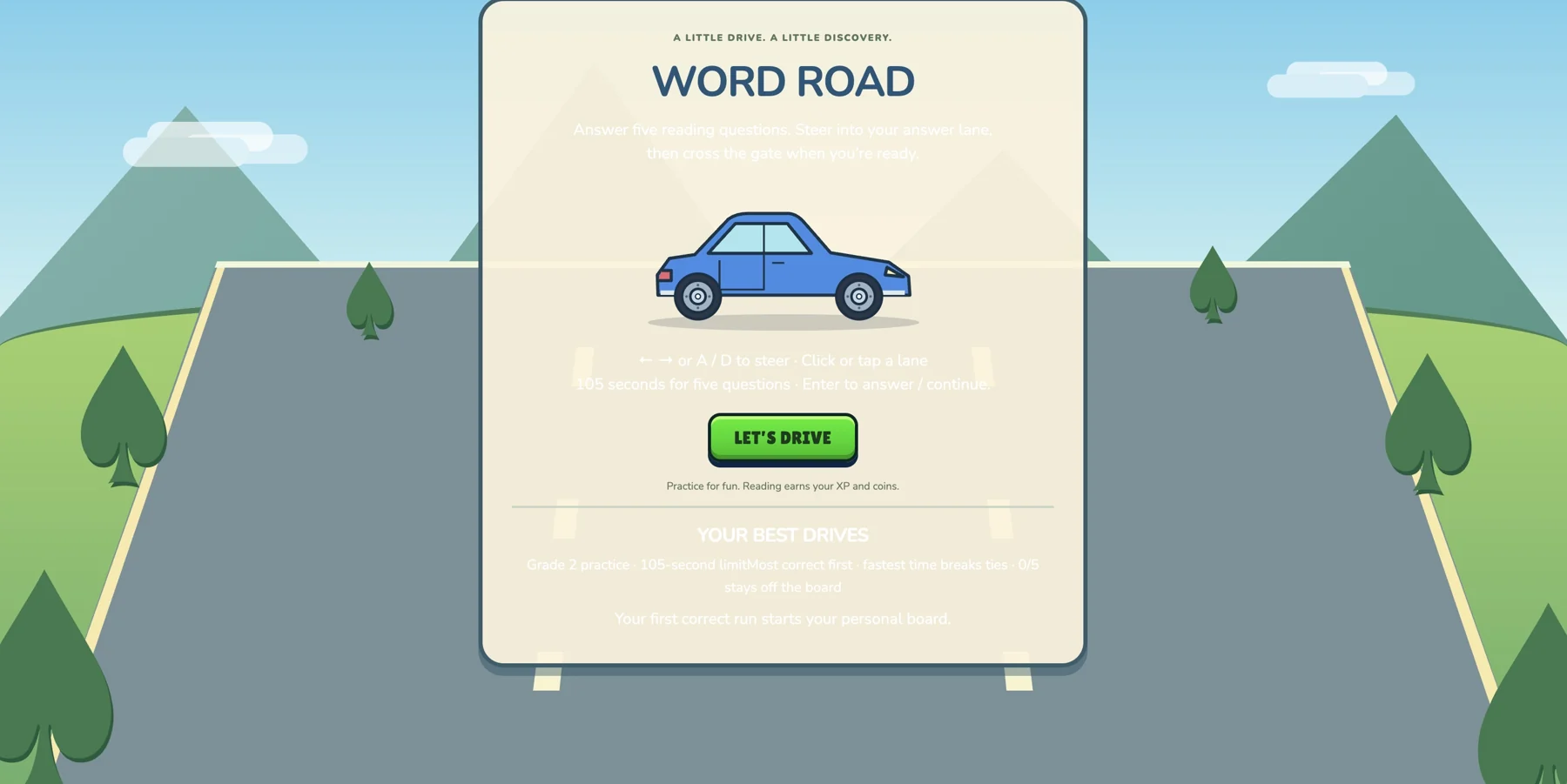
Ready to drive
Ready to driveStart a Word Road activity.
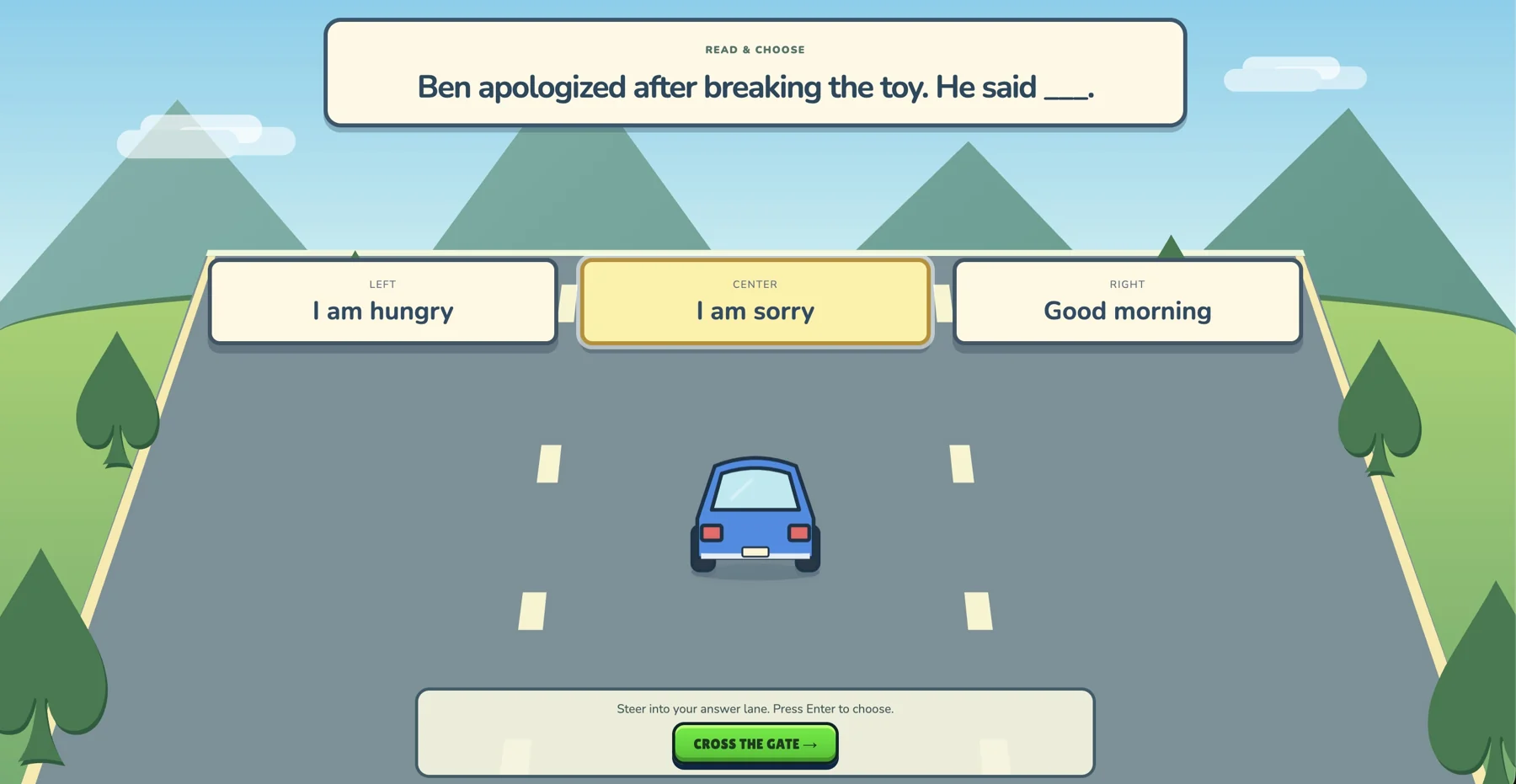
Read and choose a lane
Read and choose a laneMatch the language question to an answer lane.
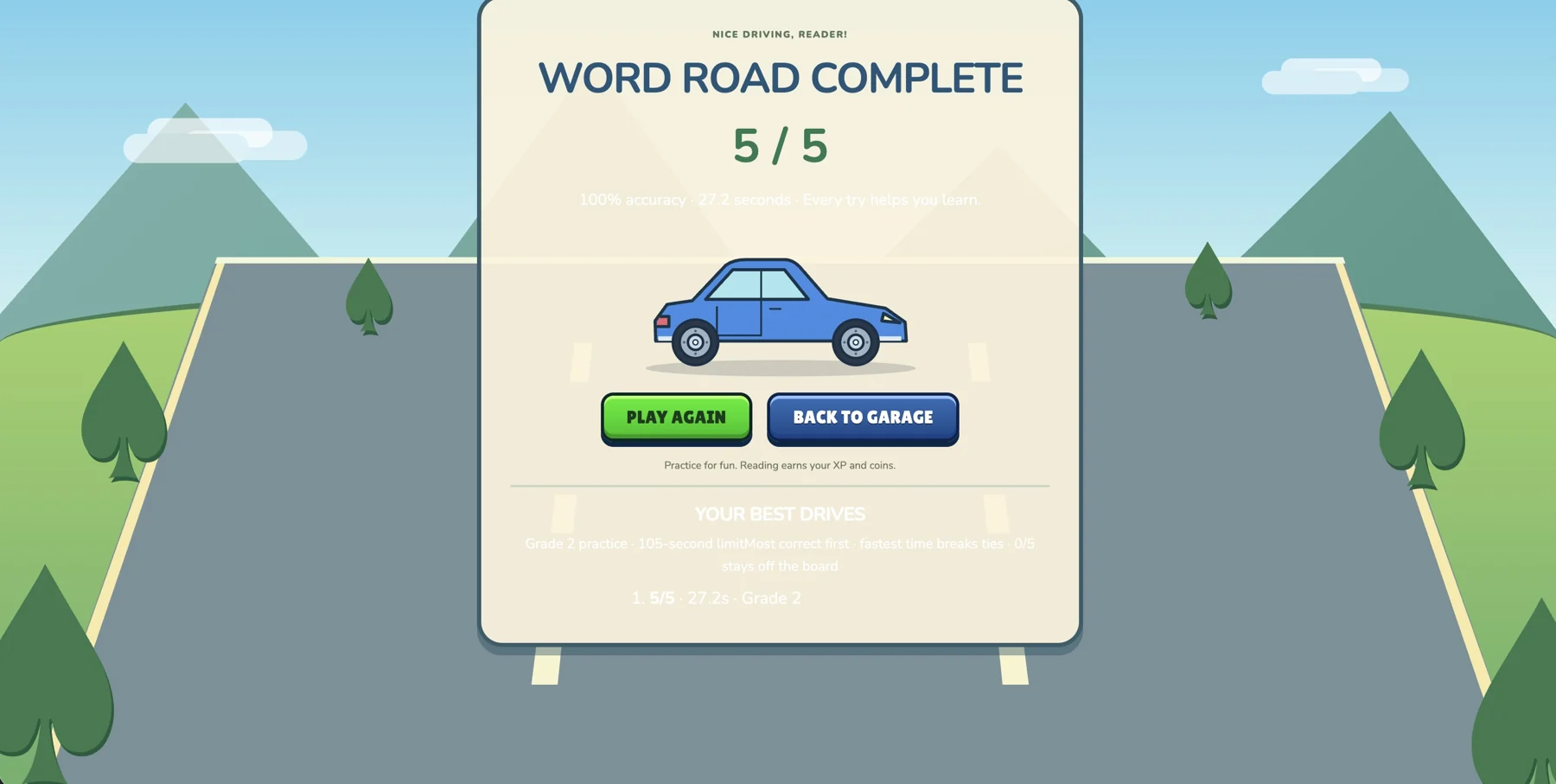
Finish the drive
Finish the driveA completed five-question Word Road activity.